Need help?
Do you have a question about the gosund SP112 and is the answer not in the manual?
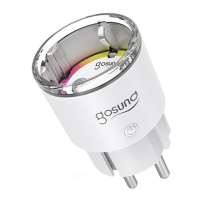
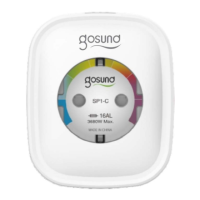
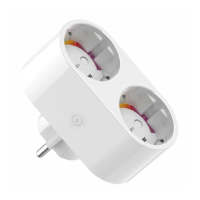
Identifies the main interface for plugging in devices.
The plug that connects the device to the electrical outlet.
Button used for manually turning the socket on or off.
Indicates the material used for safety against fire.
Provides two USB ports for charging other devices.
Connects the smart socket using the recommended Wi-Fi connection method.
Alternative method for connecting the smart socket via Wi-Fi hotspot.
Manage and add devices. Control on/off, rename, or create groups for multiple devices.
Schedule device actions like turning lights on/off automatically.
Use the countdown timer to automatically switch appliances on/off.
Monitor real-time and historical power usage if the device supports it.
Create custom device characteristics and automation scenes.
Manage personal information and user account settings.
Information on prerequisites for connecting with Amazon Echo.
Log in to Alexa, search for the Gosund skill, and enable it.
Control the smart socket using voice commands via Alexa.
List of commands to control the smart socket using voice.
 General
| Brand | gosund |
|---|---|
| Model | SP112 |
| Category | Accessories |
| Language | English |

 To Next Page