4
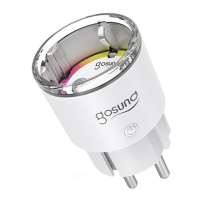
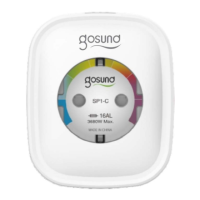
Note: The ON/OFF button can be used as a restore button, pressing
and holding the button changes flashing speed and will restore your
smart socket to factory settings. Only do this if you are sure that you
wish to erase all your settings.
Parameters
Model Number: SP112
Rated Voltage: 230V
Rated Current: 16A (Max)
AC Frequency: 50/60Hz
USB Port Current: 2.1A Max
WiFi Frequency: 2.4GHz
Download the Gosund App
1. Search “Gosund” and download the Gosund App on the App
Store or Google Play, or scan the QR code below and install.
2. Enter the register/log in interface, input the phone number for
getting the verification code to register an account.
The free app “Gosund” is compatible with mobile devices that
support iOs 8.0 and above or Android 4.4 and above.


 To Next Page