5
Connecting the Socket with App
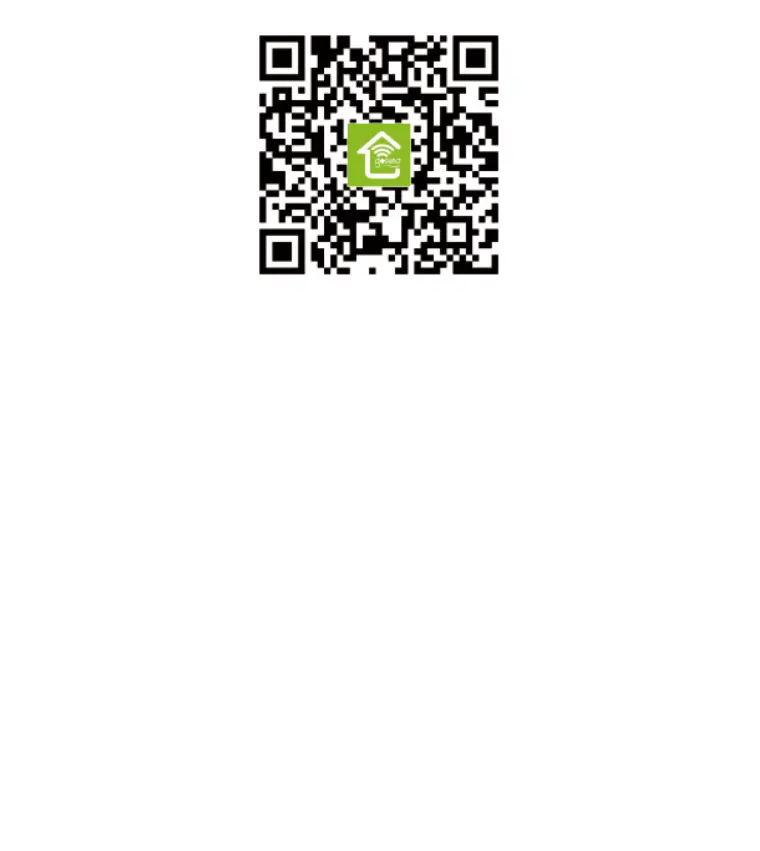
1. Use only the official “Gosund” app and create a Gosund account.
2. Choose 2.4G WiFi for the first connection.
3. There are two modes to choose from: Easy Mode and AP Mode.
Easy mode is recommended, but if you cannot connect using it,
choose AP Mode.
Easy Mode
1. Choose “Add Device” or the “+” at the upper right corner.
2. Choose “Electrical Outlet”.
3. Make sure the indicator light is rapidly flashing, press “Confirm”.
4. Enter your home WiFi code. Make sure it is correct.
5. Wait for the connection to complete fully.
6. Connection established, you can now rename the plug.


 To Next Page