9
B. Scenes
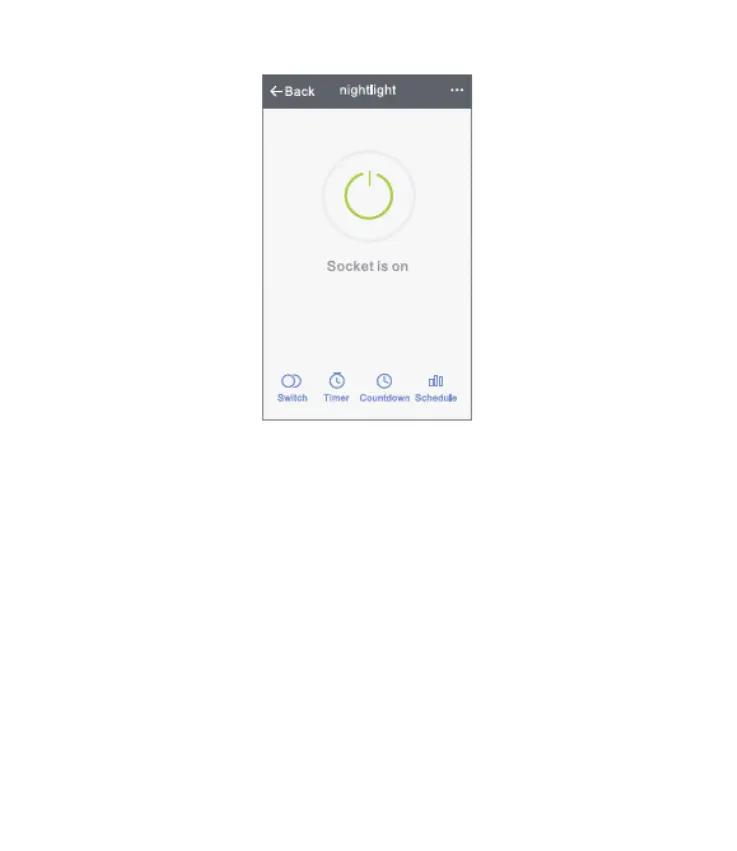
1. Touch the top right icon to adjust the characteristics
of the device to your liking.
2. You can change the name of the device, and choose
to control the device by third-party devices, such as
Amazon Alexa, or Google Home.
3. You can share the device to your family or create a
group to help you control your devices at home.


 To Next Page