EasyManua.ls Logo

Gourmia GVS415 - User Manual

Gourmia GVS415
10 pages
Print Icon
To Next Page IconTo Next Page
Loading...
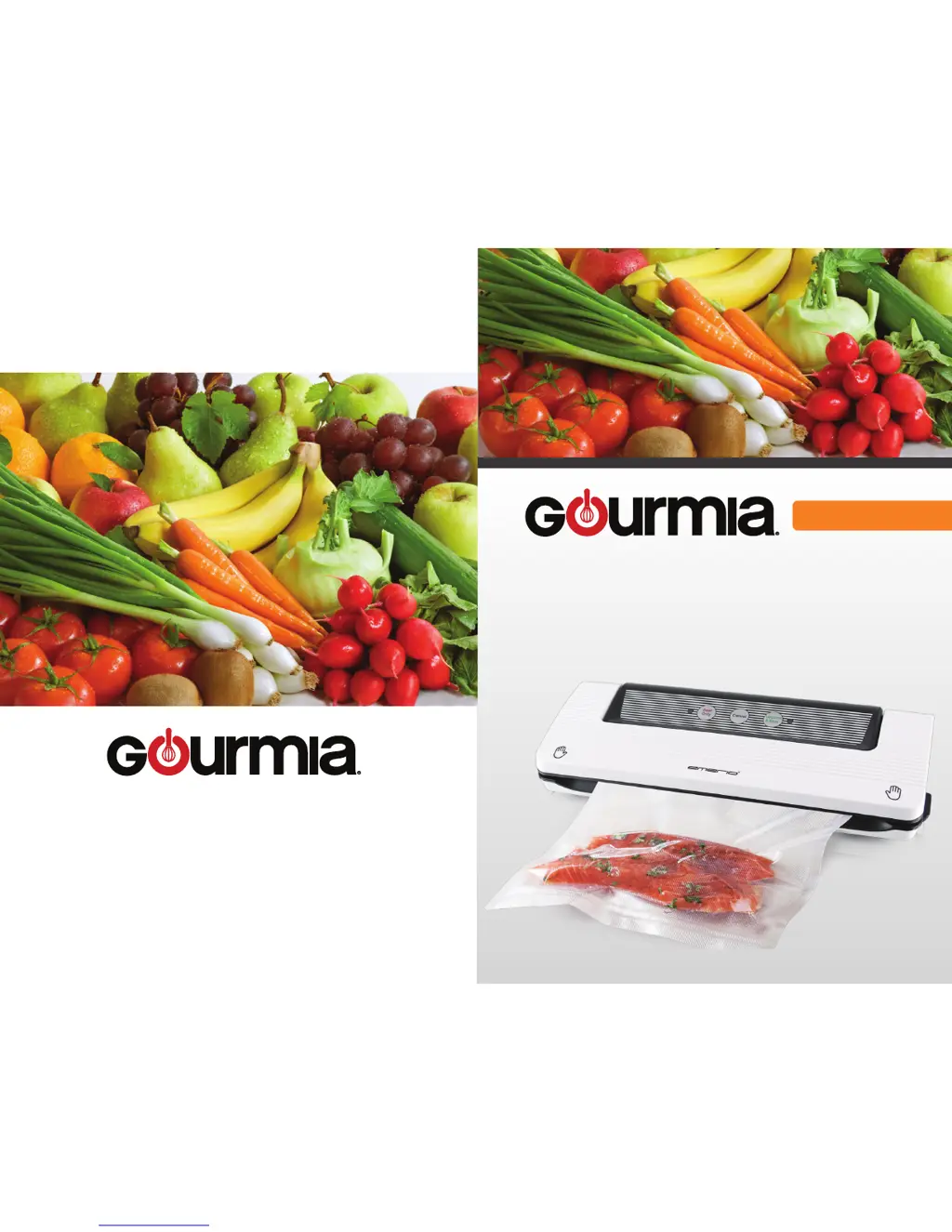
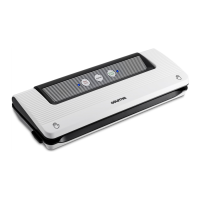
PHOTO OF PRODUCT
MODEL# GVS415
VACUUM SEALER
FOOD PRESERVER
COVER
www.gourmia.com

Questions and Answers

  • A
    Andrew BlakeJul 28, 2025
    Why is my Gourmia Kitchen Appliances bag inflating after vacuum sealing?
    • J
      Jacqueline SilvaJul 28, 2025
      If your Gourmia Kitchen Appliances bag is inflating or expanding after vacuum sealing, it could be due to highly corrosive food. To address this, freeze or refrigerate the food after vacuuming to extend its shelf life. Another reason might be that you've packed fresh vegetables, fruits, or seeds, which are not suitable for room temperature storage. Be sure to keep these refrigerated.
  • S
    smartinAug 7, 2025
    What to do if my Gourmia GVS415 Kitchen Appliances is sealing OK but not vacuuming?
    • A
      Andrew PierceAug 7, 2025
      If your Gourmia Kitchen Appliances is sealing but not vacuuming, make sure the bag is placed correctly in the vacuum chamber. The edge of the bag should be fully inside the vacuum chamber. Also, ensure that the bag isn't covering the suction hole and that the edge of the bag is free from dirt, dust, crumbs, or wrinkles. If the contents have sharp edges, use a food safety paper pack before vacuuming.
  • P
    Pamela MccartyAug 16, 2025
    How to fix Gourmia GVS415 when vacuuming but not sealing automatically?
    • S
      scott13Aug 16, 2025
      If your Gourmia Kitchen Appliances is not sealing automatically while vacuuming, there might be several reasons. The lower gasket could be deformed - replace it and try again. Ensure the edge of the bag isn't covering the suction hole; place the bag in the correct position. If the bag is overfilled, remove some food, clean the bag edges, and try again. Lastly, the bag might be broken or leaking, in which case you should use a new bag.

Summary

Safety First

Important Safeguards

Basic safety instructions for operating the electric appliance, including handling and electrical precautions.

For Household Use Only

Specific guidelines and warnings for using the vacuum sealer exclusively in a household environment.

Features and Functions

Features & Functions

Details about the various components and their roles in the vacuum sealing process.

Product Specs

Technical specifications of the vacuum sealer, including voltage, power, and bag size.

Key Operation

Instructions on how to operate the vacuum sealer using its various buttons and functions.

LED Light and Power Status

Explanation of the LED indicators and different power states of the appliance.

Operating Instructions

Making a Bag From the Bag Roll

Step-by-step guide on how to create vacuum sealable bags from a roll.

Vacuum Packaging With a Bag

Instructions for vacuum sealing food items using pre-made or custom bags.

Cleaning and Maintenance

Cleaning the Vacuum Sealer

Guidelines for safely cleaning the vacuum sealer unit and its components.

Cleaning the Vacuum Bags

Instructions on washing and reusing vacuum sealing bags, including important reuse restrictions.

Cleaning the Accessories

How to clean various accessories, including warnings about dishwasher use and microwave/freezer limitations.

Storing Your Vacuum Sealer

Recommendations for storing the vacuum sealer to maintain its condition and prevent damage.

Food Storage and Packaging Guidelines

Food Storage Guidelines Table

A comprehensive table detailing normal vs. vacuum storage durations for various food items.

Troubleshooting and Warranty

Troubleshooting Common Problems

Identifies common issues with vacuum sealing and provides solutions.

Limited Warranty Information

Details the warranty period, coverage, and limitations for the vacuum sealer.

Disposal of the Device

Environmental guidelines for the proper disposal of the product at its end of life.

Gourmia GVS415 Specifications

General IconGeneral
BrandGourmia
ModelGVS415
CategoryKitchen Appliances
LanguageEnglish

Related product manuals