Introduction
Thanks for purchasing this product from ProtelX. Please read
instructions carefully before use and store in a safe place for
future reference.
1
1. Remove packing material and set the unit on a flat,
supportive surface. Make sure to remove additional items
from packaging.
2. Open the lid of the unit.
3. Remove the black tie-wrap from the tone arm.
4. Remove the white stylus protective cap.
5. Release the tone arm’s needle arm lock.
Unpacking
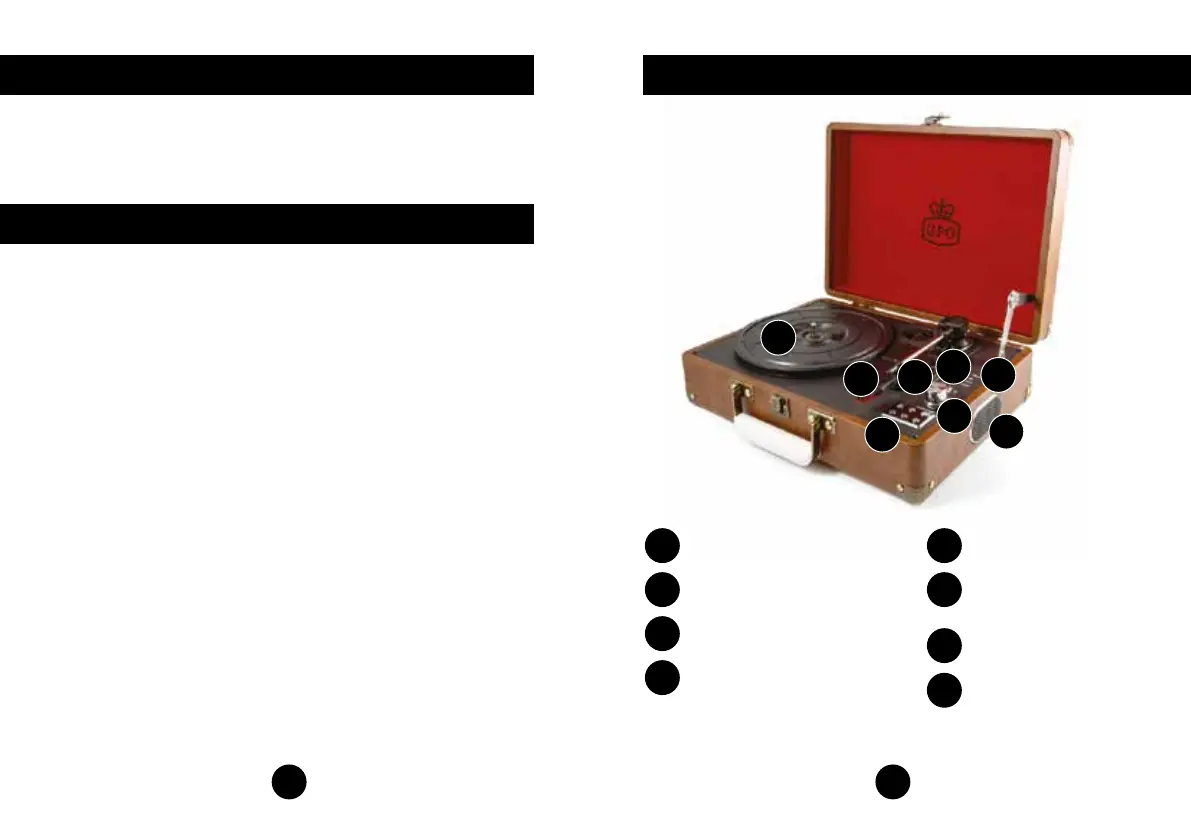
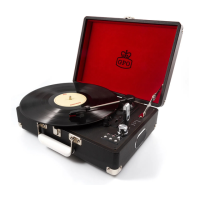
Location of Controls
Built-in Speaker
2
A
Mode LED Display
B
USB Disk Slot
C
Power/Volume
D
Control Panel
E
RPM Switch,
Auto-Stop Switch
F
Stylus Arm
G
Turntable
H
A
B
C
D
E
F
G
H


 To Next Page