-----------------IMPACT DOT-MATRIX RECEIPT PRINTER------------------
--
5
-
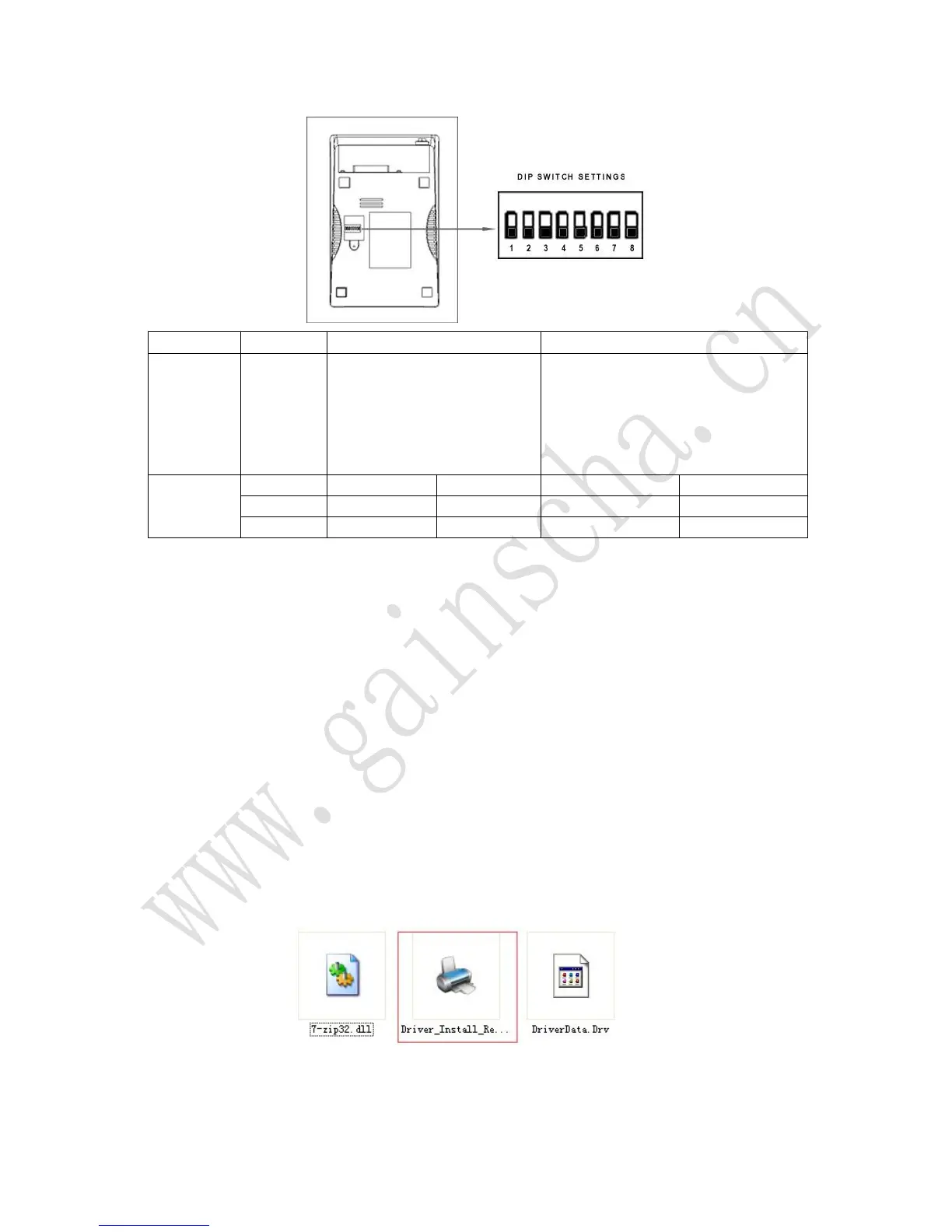
Set Print Mode(DIP Switch)
Set print mode by the DIP Switch, such as Black mark, Cutter, Language, Beep, Density,
Speed mode…
Print self-test page
Self-test page can be showed the printer itself information including software version,
interface type, DIP setting ect, for inspecting the printer if work normally or not.
To start the printer self-test, please follow the below steps:
1. Turn off the printer power.
2. Make sure the paper roll is installed correctly and the printer top cover is closed.
3. Press and hold on the FEED button and turning on the printer power simultaneously,
hold on the FEED button till hearing a beep, then release the FEED button, self-test page
prints out.
The printer will print the content as below after test-self done.
** Completed **
Driver Installation (WinXP in 32bit systems as an example)
To know about the printer model and port type, please refer to the product information
which labeling at the bottom of the printer. NOTE: Take 76NI with auto cutter for
example, other models are similar.



 To Next Page