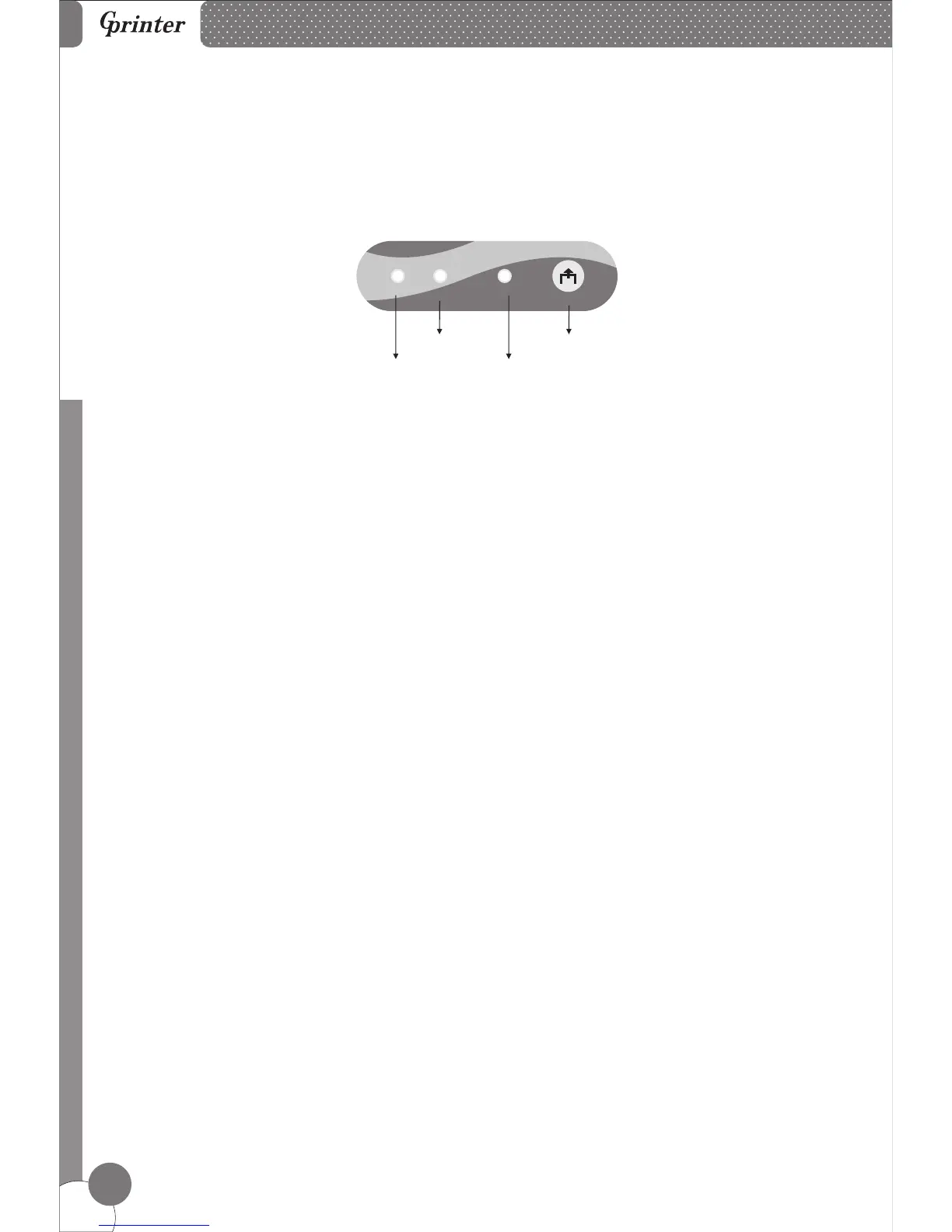
12. Function of button and indicators
Line Thermal Printers
7
Feed Button
Paper Indicator
Power Indicator
Error Indicator
11. Button and Indicators
(1).
ON indicates printer power is on
OFF indicates printer power is off.
(2).
ON may indicate paper out, cutter error, print head overheated.
OFF indicates normal status
(3).
PAPER & ERROR are both ON, indicating printer is out of paper;
PAPER & ERROR are both OFF, indicating printer is in normal status.
(4).
Press the FEED button to feed the paper roll.
POWER Indicator
ERROR Indicator
PAPER Indicator
FEED Button
POWER ERROR
FEED
PAPER



 To Next Page