Line Thermal Printers
4
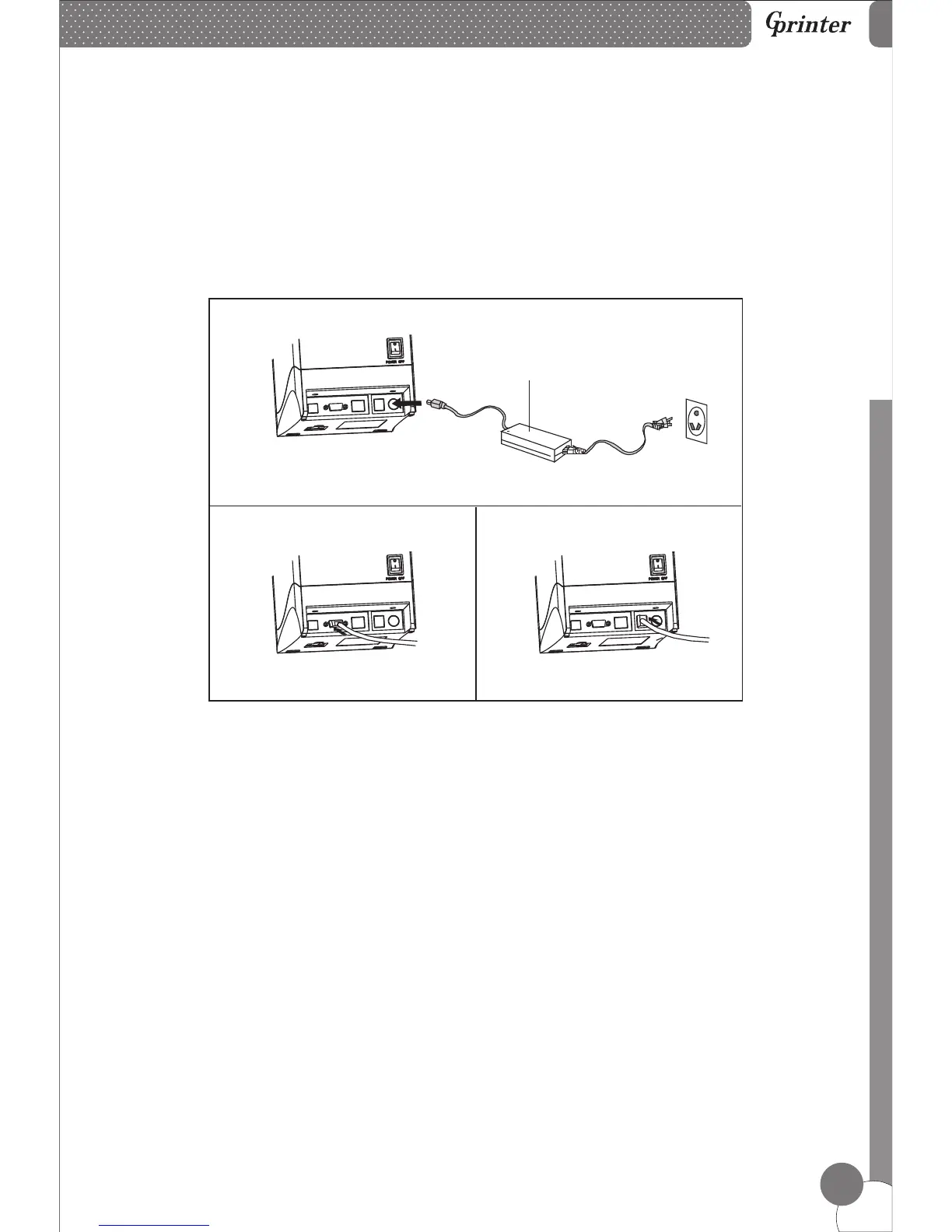
6. Printer Connection
Power Adapter
7. Paper Installation
a. Plug the power adapter cable into the printer’s power port.
b. Plug the interface cable securely into the printer’s Serial/USB/Ethernet port.
c. Plug the cash drawer’s RJ-11 phone jack into the printer RJ-11 socket.
a. Press the button to open the printer cover.
b. Put the paper roll into the hollow ( pay attention to the paper direction).
c. Pull the leading edge of the roll outside of the printer and then close the cover.
d. Press the center of printer cover firmly to prevent paper misloading, then tear
off the paper outside.
a
b
c



 To Next Page