10. Cutter Maintenance
Line Thermal Printers
6
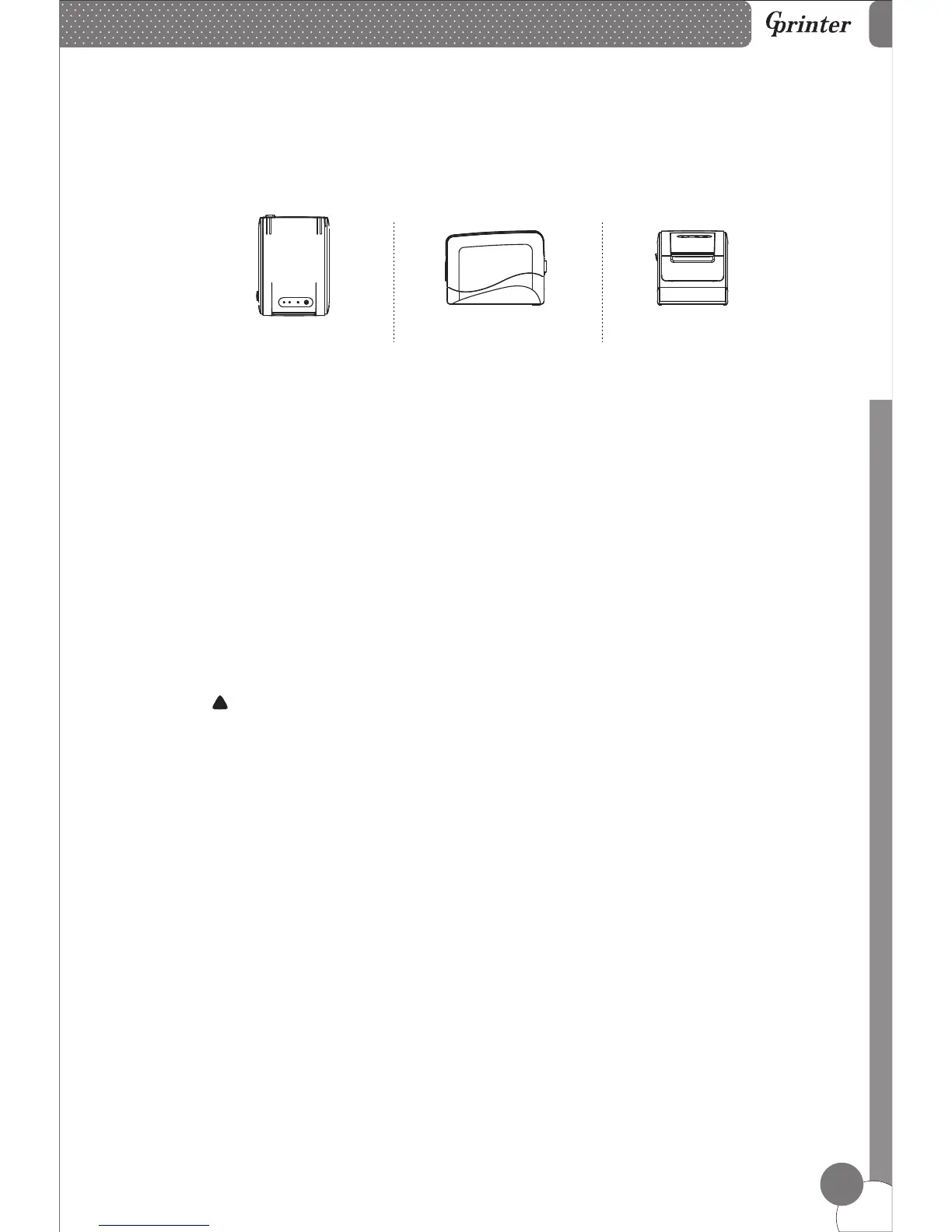
9. Three-view Drawing
Top view
Side view
Front view
Step 1
Turn off the printer and restart it, the printer will initialize and reset the cutter.
Step 2
If step 1 failed, pull out the front cover carefully, manually adjust the gear wheel
on the cutter to make the cutter back to its home position. Then open the top cover
and re-install the roll paper correctly, printer will work normally.
Attention: Do not use force to separate the top cover from printer, in case of the
print head and cutter damaging.
!



 To Next Page