Setup: Send SMS apnpassword+123456+space+the sim card’s password.
If setup successful, the tracker will reply SMS “apnpasswrod ok”.
Cancel: The old APN password will be invalid automatically when a new APN password
is set.
5.15.5 GPRS transport protocols
As soon as the IP & Port & APN are set up, the user can make a call or send SMS to
tracker. The tracker will hang up and report the coordinates to IP address.
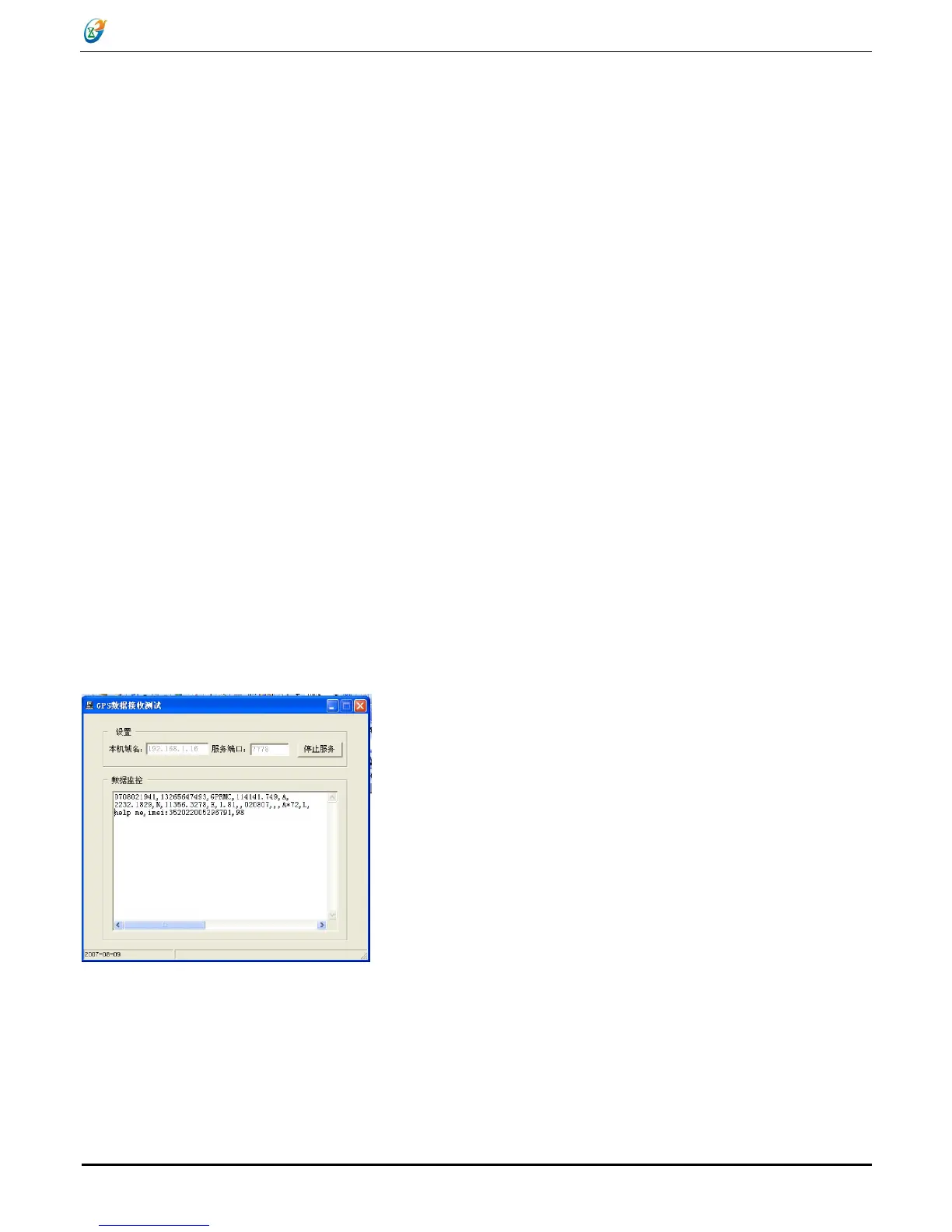
The message format sent by tracker to IP address is as following:
Serial number + authorized number + GPRMC + GPS signal indicator + alert command
+ IMEI number +Battery voltage+ Number of satellites + CRC16 checksum.
For example, it will send GPS coordinates as below illustrated
091029025041,13145826175,GPRMC,025041.000,A,2234.0528,N,11403.0760,E,0.00
,0.00,291009,,,A*61,F,, imei:354776033427755,07,57.7,F:4.18V,0,136,720A
Notes:
◆Our gprs supports TCP or UDP protocol, so please confirm whether your GPRS
webserver supports TCP or UDP protocol before having the order.
◆ Please use the SIM card which is with GPRS function.


 To Next Page