4
Features
• Vertical-Load Disc Player
• Plays CD/CD-R/CD-RW Audio
Tracks
• AM/FM Radio with Digital Readout
• Digital Volume Control
• Blue Backlit LCD Display
• Digital Clock
• Full-Range Stereo Speakers
• Stereo Line-In Jack for other Audio
Player, 3.5mm type
• Aux-In Jack, RCA type
• Stereo Headphone Jack
• Remote Control
• AC-Power: Built-in AC Line Cord
• Removable Stands / Wall-Mountable
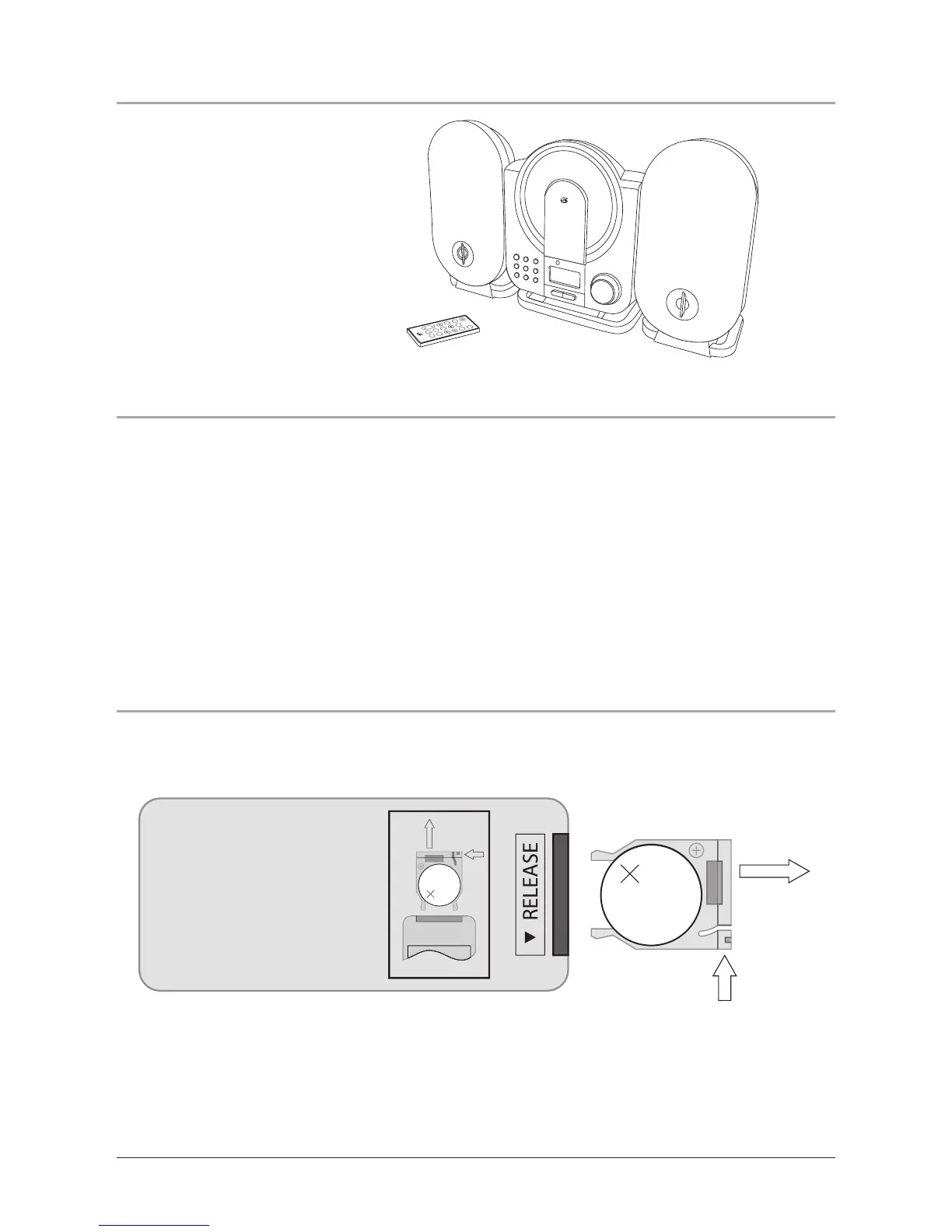
In the Box
NDBA
HR/MIN/DN HR/MIN/UP
LKETC S
REPEAT
RNO MAD
MUTE
AUX
RA IODCD
SLEEP
PROG
TRIN O
DIS
P
LVO
• HC208B
• Remote Control
• Documentation
Changing the Remote Battery
LITHIUM BATTERY
CR 2025
3V
CR2025
PUSH
OPEN
LITHIUM BATTERY
CR 2025
3V
CR2025
PUSH
OPEN
1. Push the Release Button and pull out the Battery Compartment to access the battery.
2. Replace the old battery with an equivalent new battery (CR2025).
3. The positive side of the battery, as indicated by a plus symbol, must be facing up when inserted into the
remote.
WARNING: Danger of explosion if the remote control’s batteries are incorrectly installed. Replace only
with the same or equivalent battery.



 To Next Page