EasyManua.ls Logo

GPX HC208B - Tuning the AM;FM Radio

GPX HC208B
16 pages
Print Icon
To Next Page IconTo Next Page
To Previous Page IconTo Previous Page
Loading...
Tuning the AM/FM Radio
8
1. Power the unit on by pressing the
Standby Button.
2. Press the Function Button to switch
the unit to AM/FM Radio Mode.
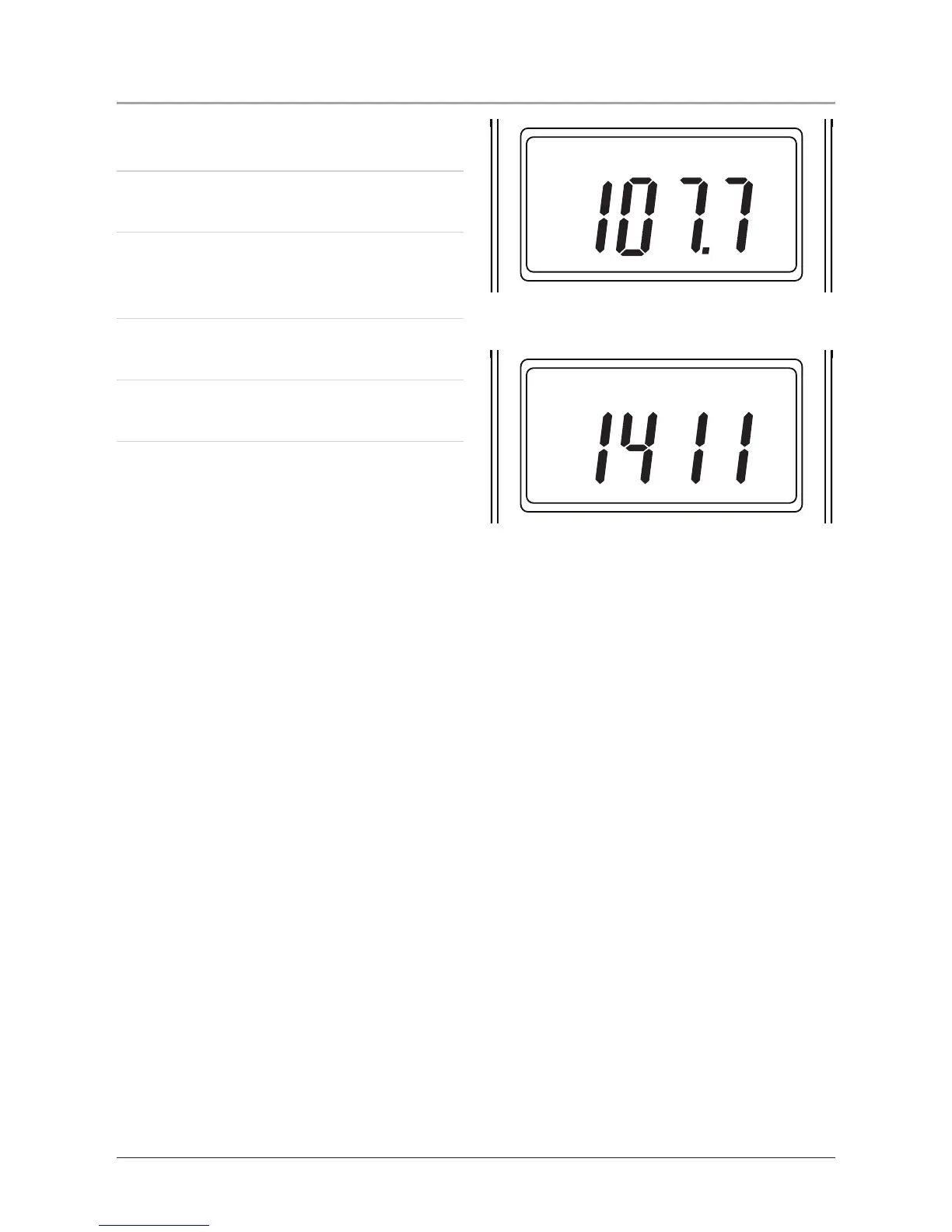
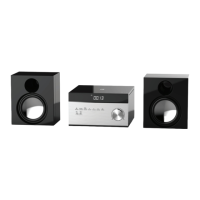
An “AM” or “FM” will appear in
the LCD display to indicate AM/FM
Radio Mode.
3. Press the Stop/Band Button to
switch between AM or FM radio.
4. Turn the Tuning Dial to adjust the
frequency for the AM and FM radio.

VOLUME
TUNING
PROG
MODE
PLAY/CLK SETSTOP/BANDFUNCTION
SLEEP DISPLAY
SKIP/SEARCH
DNDN UP
STANDBY
FM
MHz
HR/MIN
VOLUME
TUNING
PROG
MODE
PLAY/CLK SETSTOP/BANDFUNCTION
SLEEP DISPLAY
SKIP/SEARCH
DNDN UP
STANDBY
AM
kHz
HR/MIN