4
5
3 6
7
9
8
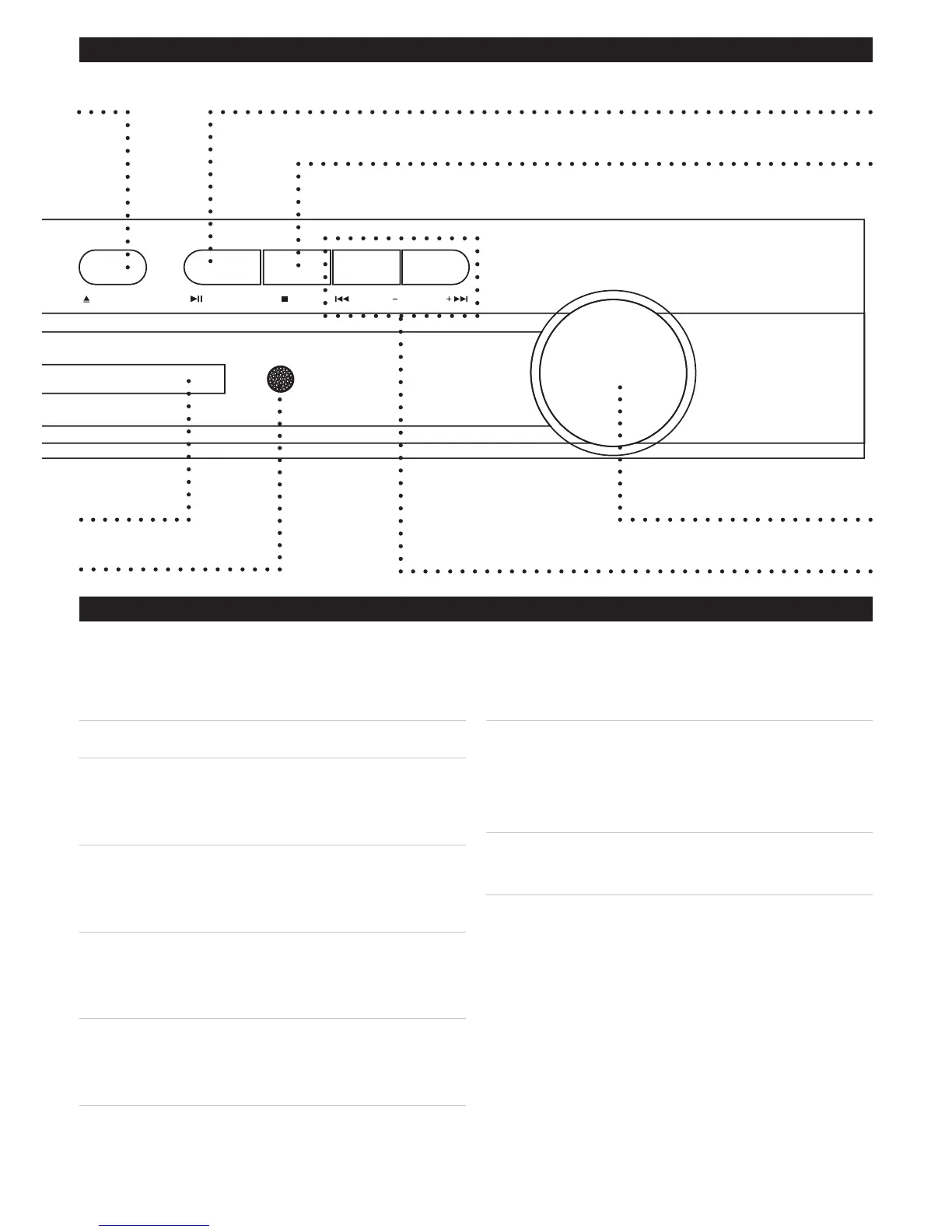
03. Open/Close Button
PresstheOpen/CloseButtontoopenand
closetheDiscDrawer.
04. LED Display
05. Infrared Receiver
TheInfraredReceiverreceivessignals
fromtheunit’sremotecontrol.
If the unit is not responding to the remote,
check to make sure that the infrared
receiver is not hidden or obstructed.
06. Play/Pause Button
PressthePlay/PauseButtontoplayor
pausealoadeddisc.
07. Stop Button
PresstheStopButtontostopaloaded
discwhileplaying.
08. Volume Dial
TurntheVolumedialtoadjustthevolume
oftheunit.
09. Prev/Tun- & Next/Tun+ Buttons
PressthePrev/Tun-&Next/Tun+Buttons
toskipbetweenchapters,tracks,or
photosonaloadeddisc.
PressthePrev/Tun-&Next/Tun+Buttons
totunetheAMandFMradio.



 To Next Page