5
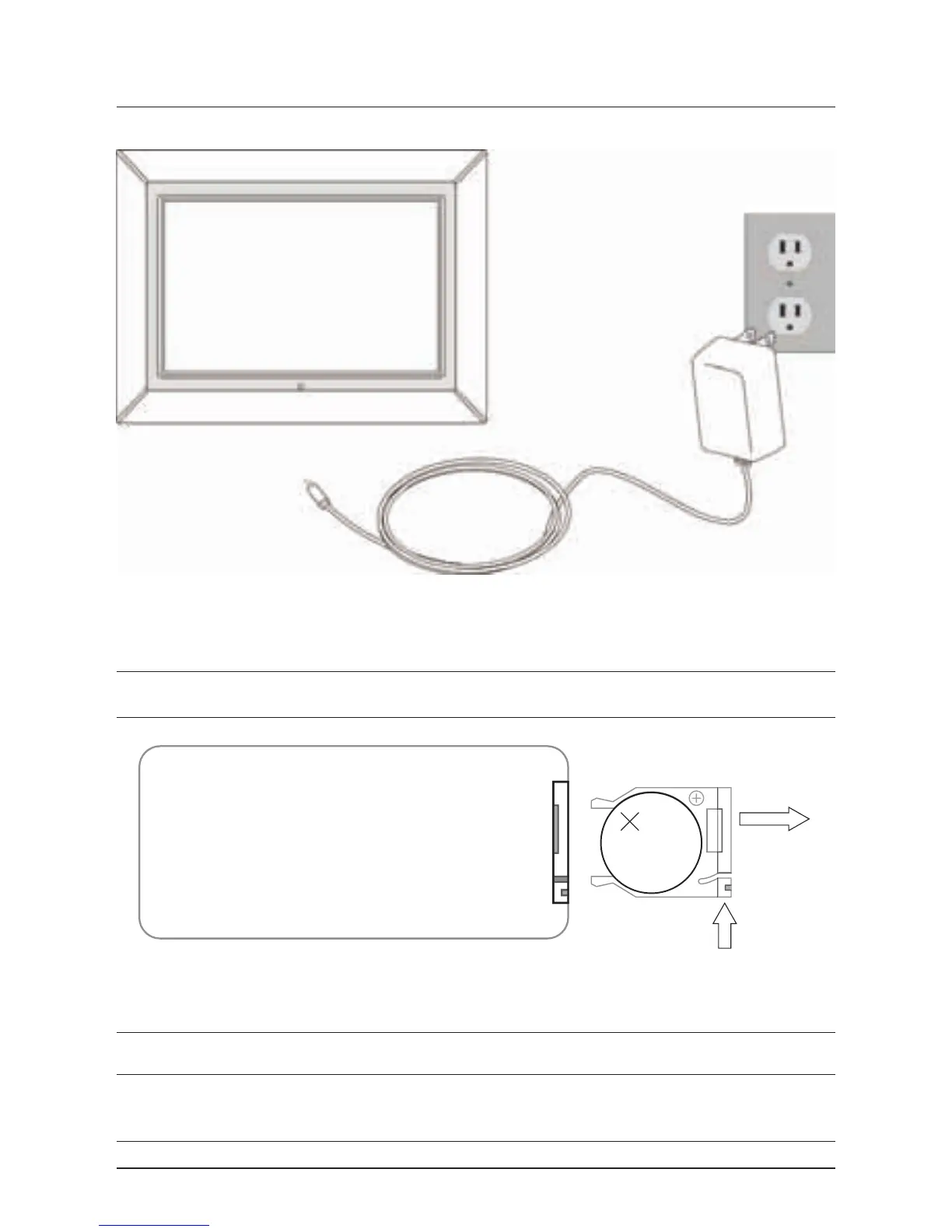
Powering the Unit
Changing the Remote Battery
The Remote Control has a button cell battery pre loaded into it.
Step 1: Push the Release Button and pull out the Battery Compartment to access
the battery.
Step 2: Replace the old battery with an equivalent new battery (CR2025).
Step 3: The positive side of the battery, as indicated by a plus symbol, must be
facing up with inserted into the remote.
LITHIUM BATTERY
CR 2025
3V
CR2025
PUSH
OPEN
LITHIUM BATTERY
CR 2025
3V
CR2025
PUSH
OPEN
AC 120V~60Hz



 To Next Page