8
Main Menu
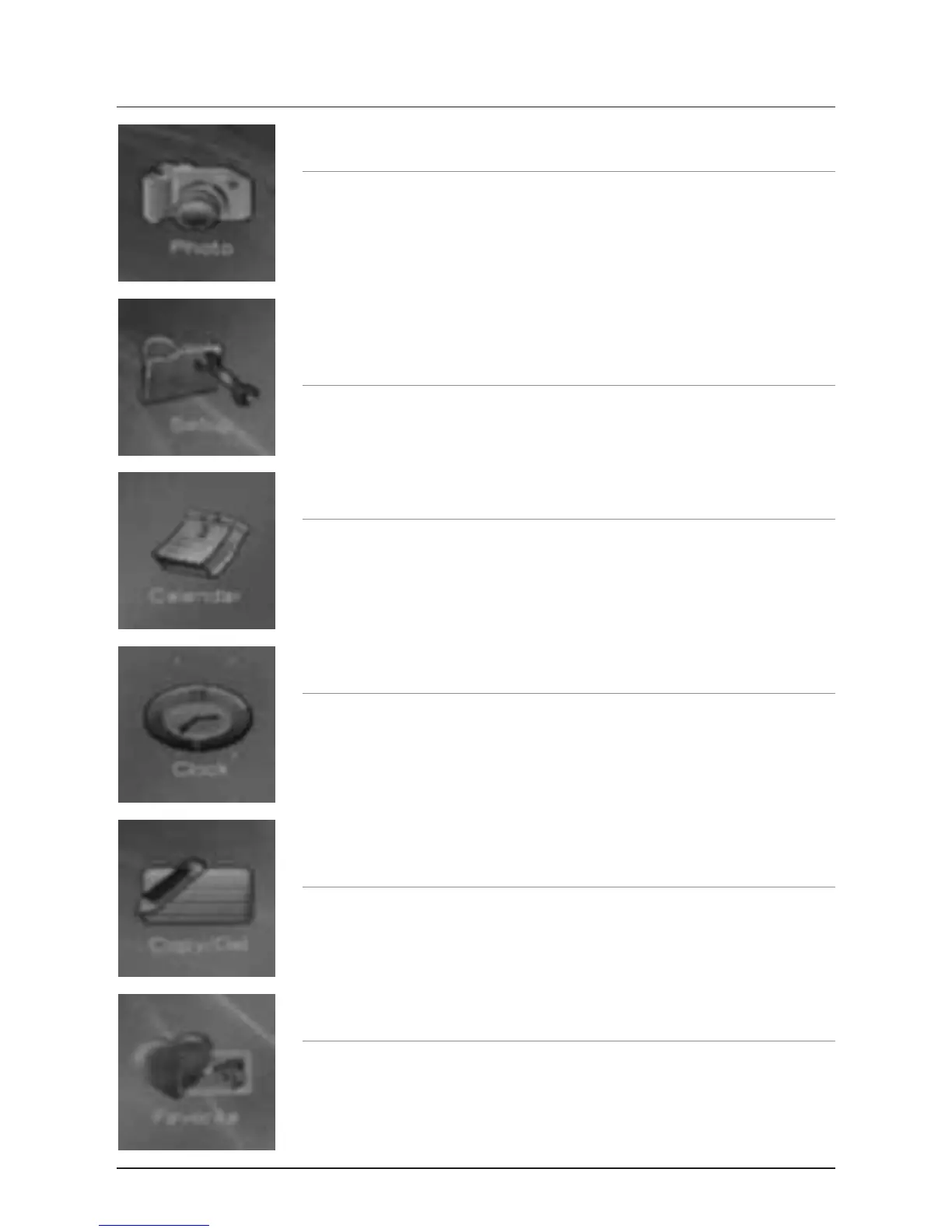
Photo
Select the Photo option to view photos loaded onto the unit.
Setup
Select the Setup option to adjust the Interval Time, Transition Effect, Play
Mode, Show Type, TFT Brightness, TFT Contrast, TFT Saturation, OSD
Language, Style, Media, Default, and Set Time.
Calendar
Select the Calendar option to view and adjust the date.
Clock
Select the Clock option to view the time.
Copy/Del
Select the Copy/Del option to copy photos from or to the unit, or to delete
photos from the unit.
Favorite
Select the Favorite option to view pre-loaded photos on the unit.



 To Next Page