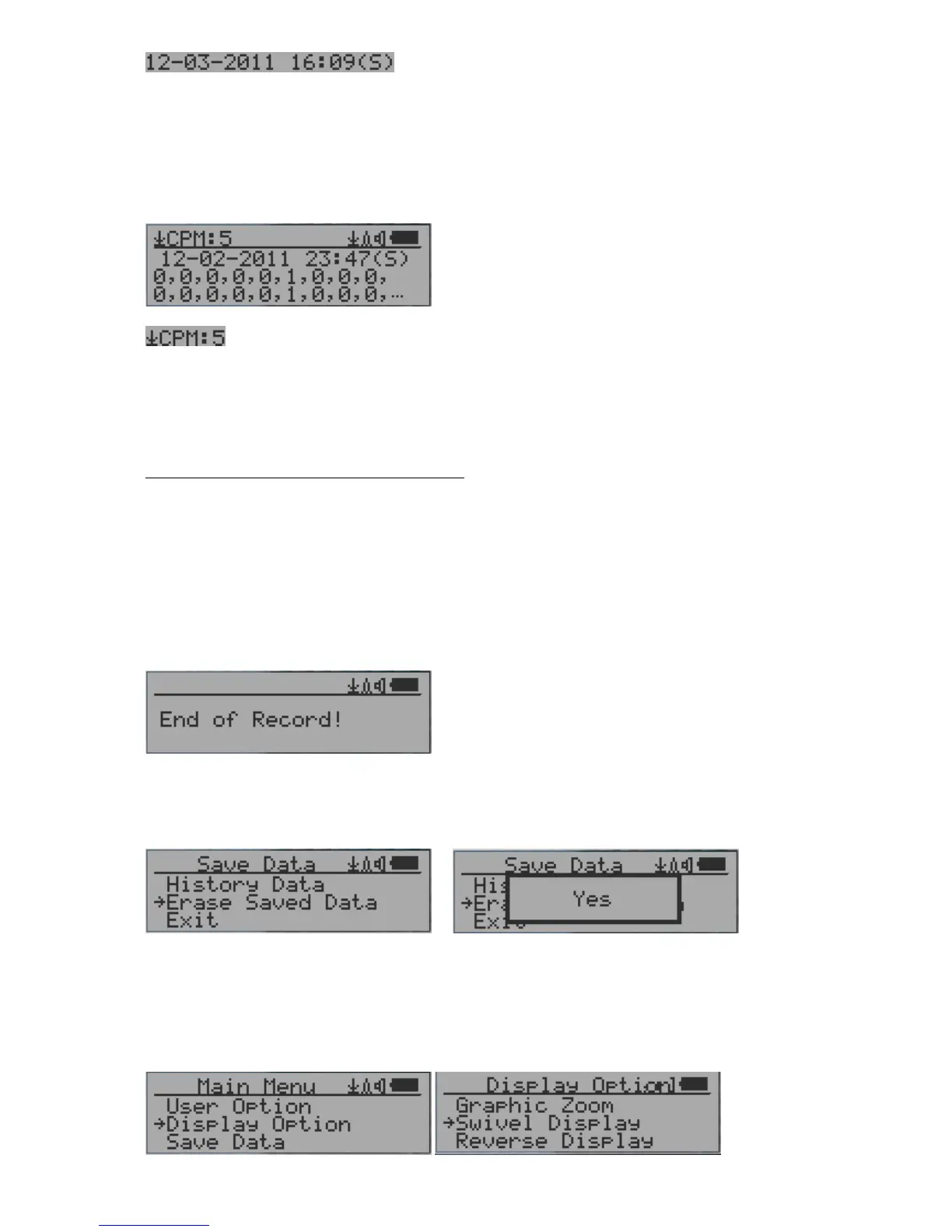
This is the date and time stamp of the recorded data
point.
(S) indicates that data has been recorded every second
(M) indicates that data has been recorded every minute.
(H) indicates that data has been recorded every hour.
Searching data in text mode
The first symbol indicates this is saved history data, to distinguish from real
time data display. The current history reading is 5 CPM.
ACPM: If the data has been recorded every minute, averaged CPM will be displayed, and
ACPM will be displayed instead of CPM to indicate the averaging mode .
Averaging time period is one minute.
Navigation keys for both data search modes:
S1: Back/Exit
S2: Select searching mode:
Previous Day, Previous Hour, Previous Minute, Previous Note/Location
S3: Select searching mode:
Next Day, Next Hour, Next Minute, Next Note/Location
S4: Step: Each key press will go to next data point based on the searching mode selected
via S2, S3
NOTE: If no more data are found, the following message will be displayed in both modes:
Erase Saved History Data
Use S2 and S3 to select Yes or No on the screen to confirm the request. After about 3
seconds with Yes confirmation, the unit will start to erase entire saved history data. It may
take a few seconds to complete the task.
Swivel Display Setting



 To Next Page