Power saving mode
Pressing the S4 key will toggle the Power Saving mode ON and OFF.
In power saving mode, the units LCD display will be turned off after 30 seconds if no key is
pressed to save battery power. The audio signal will not be turned off if it has been set to ON.
The LCD back light will be off during the power saving mode.
Pressing any key will active the LCD backlighting again.
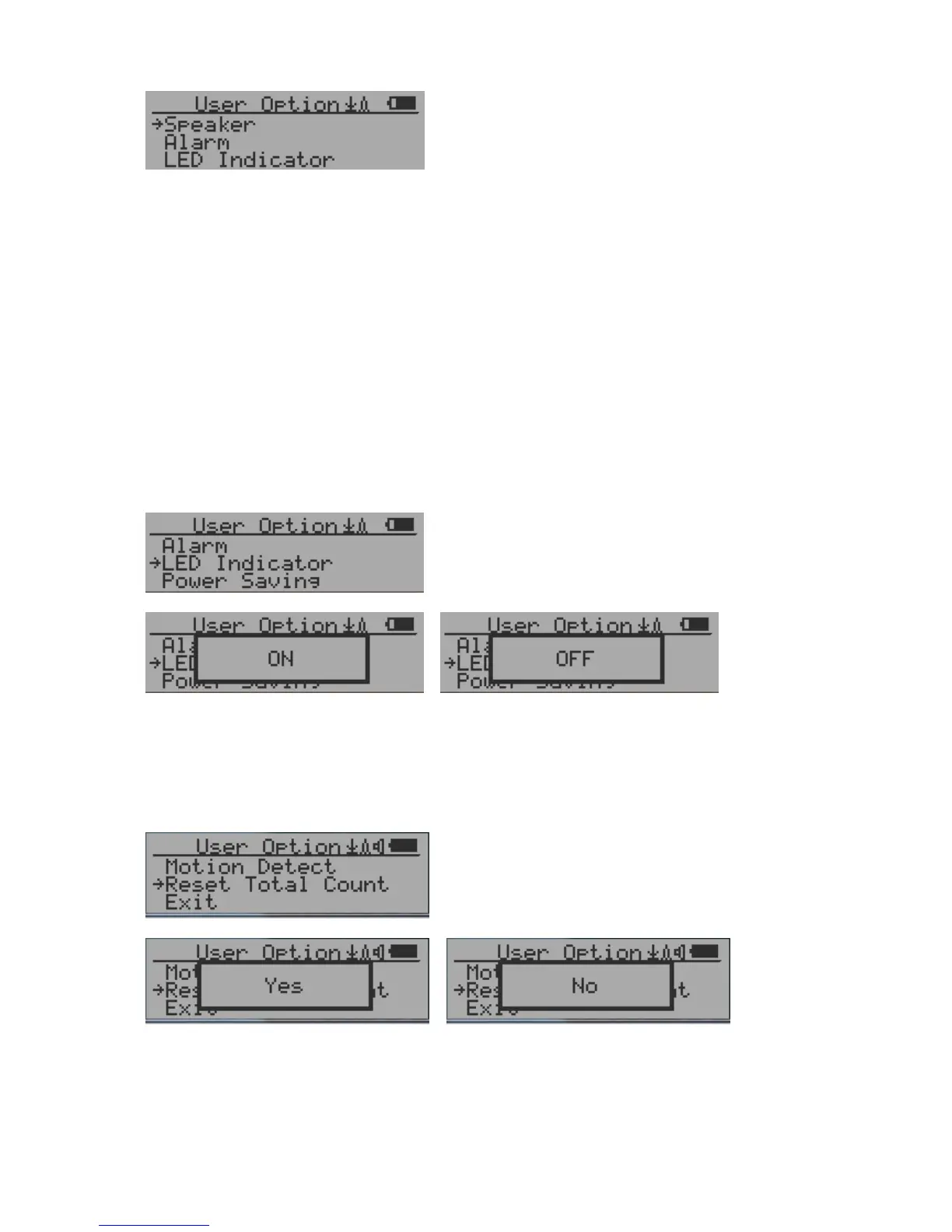
LED Indicator
GMC-300E PLUS has a LED indicator on the front panel. Turn on of off the LED from this
menu item.
Reset Total Count
The Reset Total Count menu item let user to clear the total count on main text mode screen.
This may be used before a fixed time count measurement start.



 To Next Page