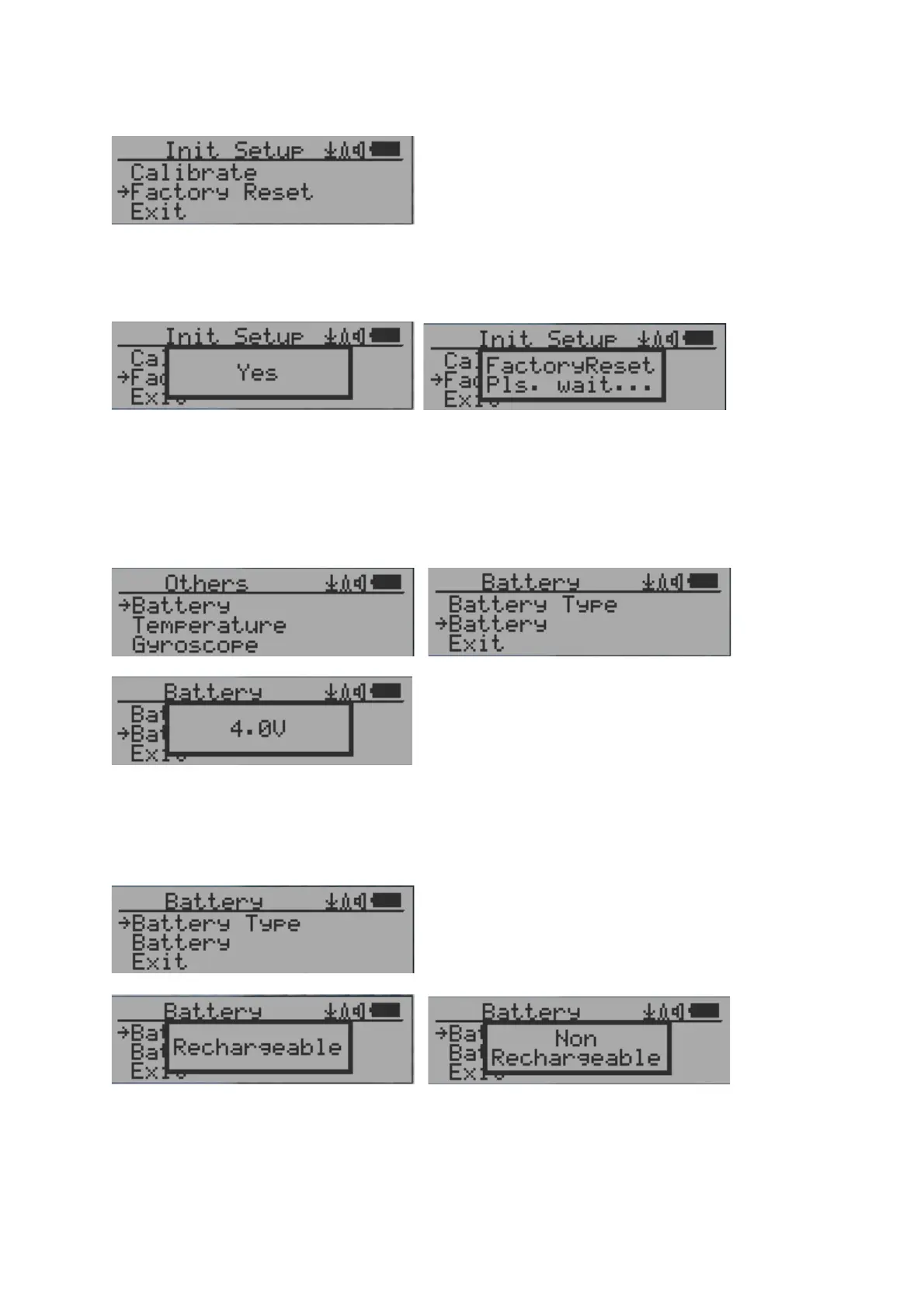
Factory reset
Select Factory Reset to reset the unit to the factory default settings.
Note: The reset will erase all user settings and recorded history data.
Procedure:
Select Factory Reset menu item and change the popup Windows message to Yes. Wait for
popup message window’s timeout to confirm the reset request. Any other key press will
cancel the reset request. It may take up to 30 seconds to complete the reset.
Battery Status
Select Battery submenu and Battery item for checking the current battery voltage.
Battery Type
Select different battery type to match the installed battery type.



 To Next Page