Software
6 3A5414A
Software
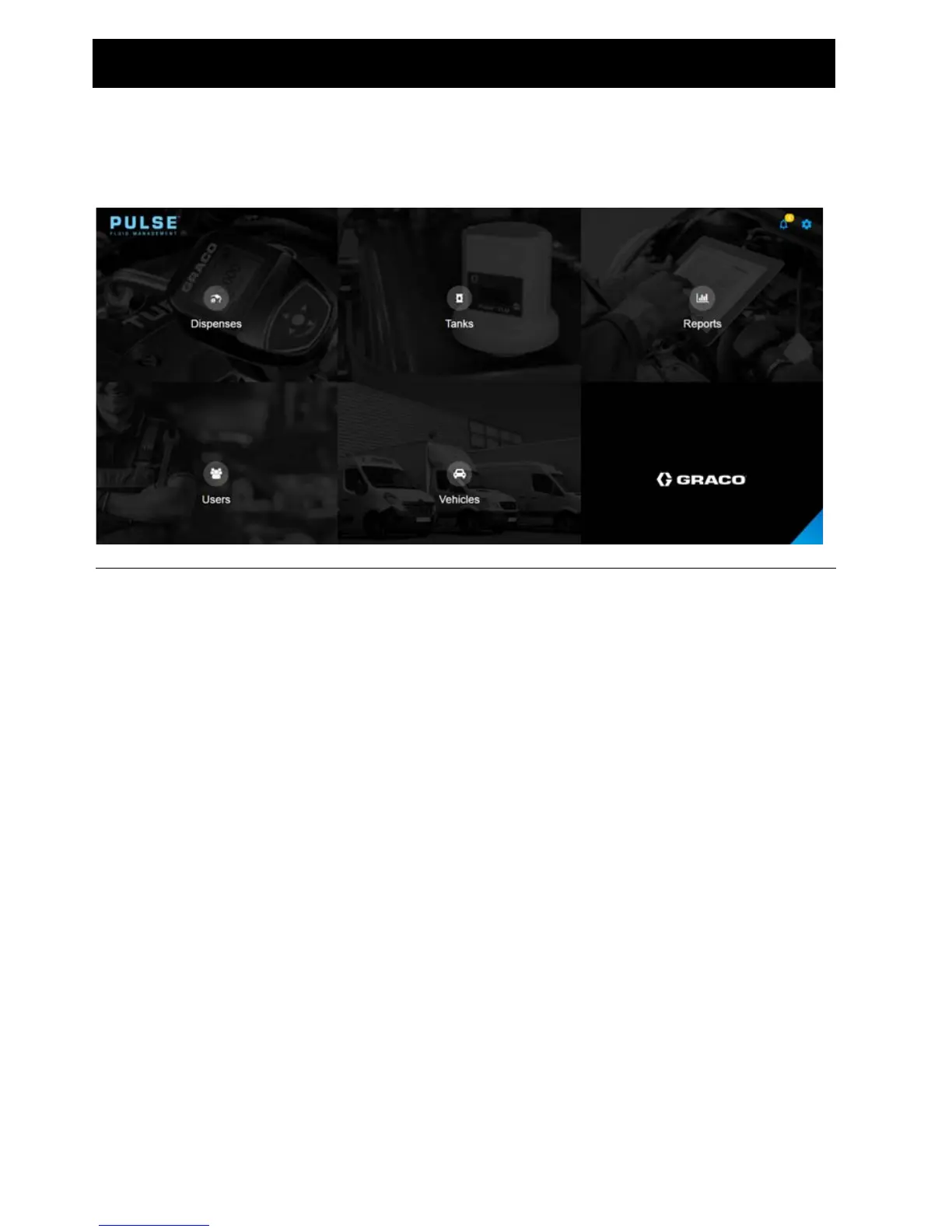
Main Dashboard
Dispenses: Based on user’s selections, displays as a list of pending, active, completed and
canceled dispenses.
Tanks: Displayed as a percentage, reports the amount of fluid remaining in the tank. The fluid
is measured from the bottom of the tank to the full level.
Reports: The Pulse Fluid Management System generates a variety of reports related to data
it collects while the system is operating. Available Reports include:
• Dispense History
• Volumetric History
• Fluid Usage
• Authorization History
• My Reports
Users: There are four User Authorization Levels available in the Pulse Fluid Management
System.
• Administrator (system owner or IT professional) - An Administrator has full access to
the system. they can perform system updates, change device settings, and add new
devices to the system.
• Advanced (parts room/service managers) - An Advanced user can view all system
information. They can update virtual tanks and edit and create work orders. They can
also authorize dispenses.
• Coordinator (service writers/technicians) - A Coordinator can create and edit work
orders.
• Basic (technicians) - A Basic user has the most restricted access to the system. They
can log in to the system and interact with the work orders queue.
Vehicles: The Vehicles Group identifies the vehicles in a service fleet.
FIG. 6



 To Next Page