4. Operation of the Control System
7 / 19
4.2 Operating the Control System
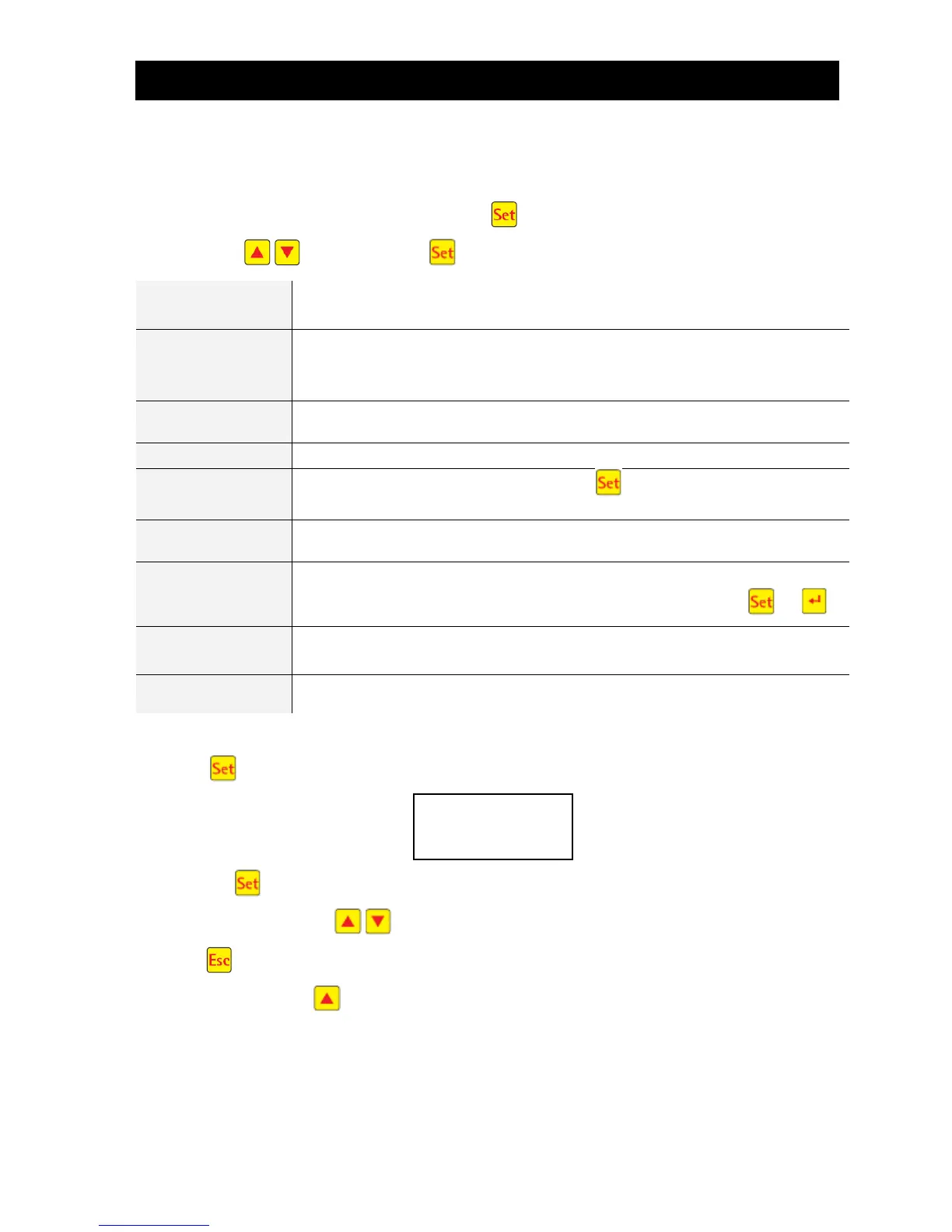
You can start different queries from the automatic mode.
You can access the first operating level by pressing . You can now call up the individual queries using
the arrow keys and then pressing :
Operating mode
Remaining time
Remaining time in current work phase
Display of the operating hours of the valve and compressor
Manual control of the valve
Current time, day and date. Can be set using
Holiday mode set-up (max. 90 days)
Operational faults which occur are stored here and can be read. It is possible to
switch between the error message and the corresponding date using and
The current settings can be viewed using the arrow keys
4.2.1 Operating Hours Query
Press the button. On the screen will appear:
By pressing again, the operating hours for the valves and the compressor can be displayed in se-
quence using the arrow keys .
Pressing once will take you back to the display “display operating hours”. You can access the “manual
mode” menu by pressing .
Note: If you do not press any buttons for a period of 10 minutes, normal operation will begin automatical-
ly.
Operating hours
meter reading



 To Next Page