4. Control unit
15 / 40
4.6.3 Setting date/time
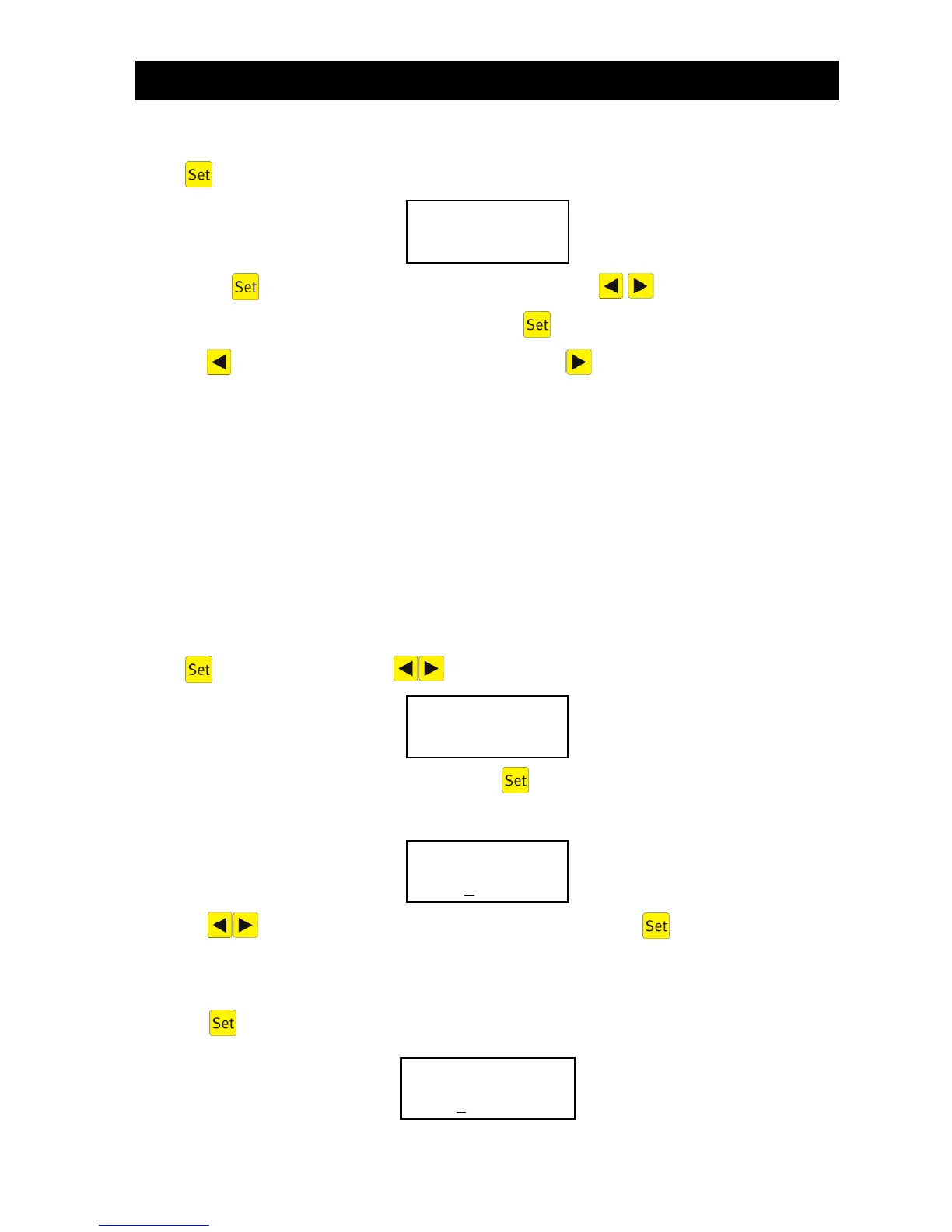
Press , then press the arrow keys until the following appears on screen (example):
By pressing you can set the time and date using the arrow keys . To confirm each change,
you must press .
Pressing once takes you back on to holiday mode. Pressing takes you back to manual mode.
Note: The system's time and date MUST be set correctly to ensure accurate recording of operat-
ing hours and any malfunctions that may occur. The built-in clock has a maximum deviation
of 5 minutes per year. There is no automatic switchover from summer to winter time.
If no key is pressed for 10 minutes, normal mode engages automatically.
4.6.4 Setting holiday mode
Note: The wastewater treatment system has a reduced operation when in holiday mode. This
mode should only be used if no wastewater will be fed into the wastewater treatment system
during the selected period. Wastewater which does enter the system during holiday mode is
not cleaned. Holiday mode is automatically activated and deactivated on the dates entered.
Press , then press the arrow keys until the following appears on screen:
The input of holiday data is released by again pressing :
Start of holiday:
Pressing enters the year, month and day in the format YY-MM-DD. should be pressed each
time a year, month of day is entered.
End of holiday:
Press the key again and enter the end date for holiday mode using the numerical keys:


 To Next Page