6. Level measurement
20 / 40
1st step: Calibrating the pressure sensor
It is absolutely essential that the sensor is calibrated for first starting up. Please carefully work through
the following points in order:
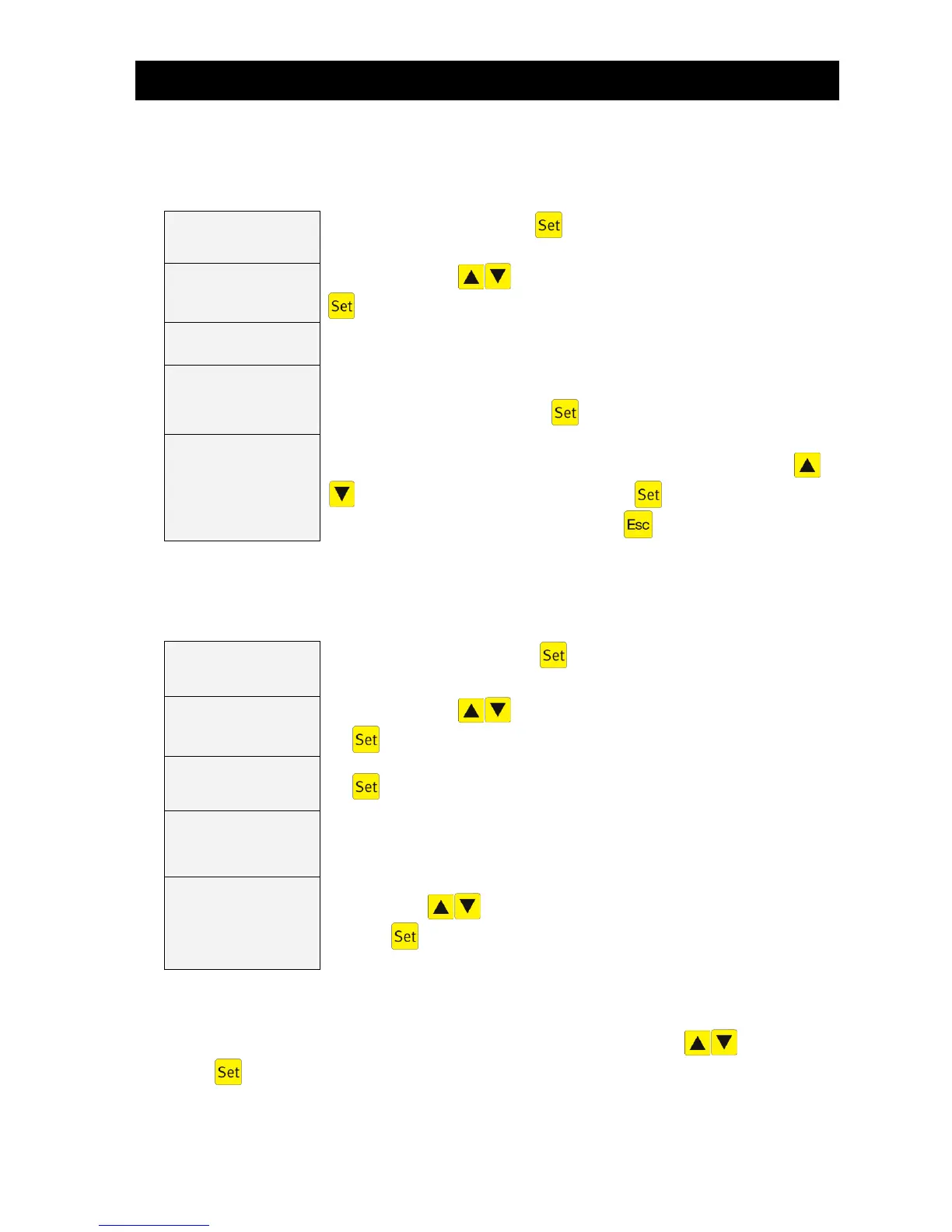
Go to "Service code", press the key and enter the following code when
prompted to do so: 9 9 9 9
Use the arrow keys to select "Calibrate Yes" and confirm with the
key. Calibration then starts automatically.
3 measurement processes are undertaken automatically
Current
level input: 000 cm
Enter the current level as measured with rule (measured from base of tank to
surface of water) and confirm with .
The measurement now entered is displayed again. Use the arrow keys
to select "Save yes" and confirm with the key. The calibration is
complete and you can exit this menu with the key.
2nd step: Setting the control parameters
It is absolutely essential that the control parameters for the level measurement are set for the system to
function correctly. Please carefully work through the following points in order:
Go to "Service menu", press the key and enter the general service code
X.X.X. when prompted to do so.
Use the arrow keys to select "Level measurement" and confirm with
the key.
Enter the water level from which a cleaning cycle is to start. Confirm this with
the key.
Overflow warning
from: 000 cm
If 000 cm is saved, this warning message remains deactivated.
Measurement inter-
val
04 h
The measurement interval of the level measurement is changed hourly using
the arrow keys . The set measurement interval can be confirmed
using the key. This menu item has a default setting which can usually be
retained.
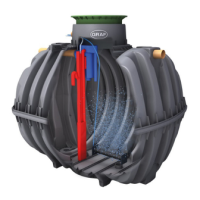
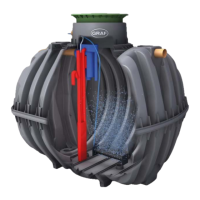
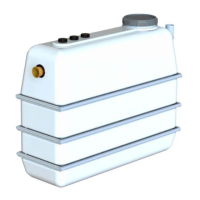
To activate the overflow warning, you need to measure the height between the tank base and the bot-
tom edge of the emergency overflow on the sampling tank. The level of the overflow warning should be
around 5 to 10 cm below the emergency discharge.
This level then has to be entered under "Warning overflow" using the arrow keys and confirmed
with the key.
If 000 cm is saved, the overflow warning message is deactivated.


 To Next Page