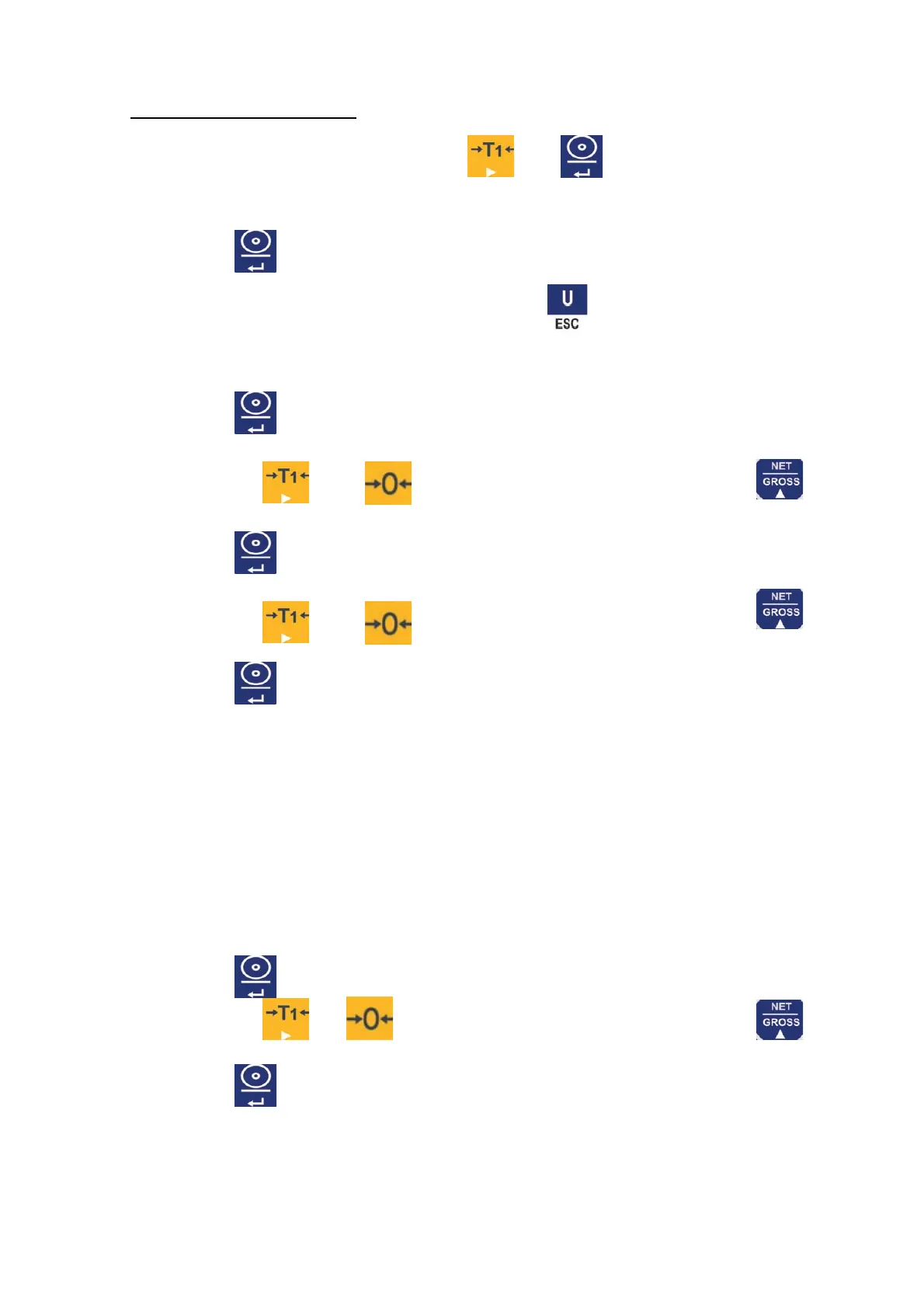
To access to functions setting, press the and key.
UF-1 Internal value
1. Press the key to view the internal value.
2. To move to next parameter press the ► key.
3. To exit and return to normal weighing press the key.
UF-2 Weight limits
1. Press the key to access to weight limits configuration.
2. The display will show the message “0000.0L”
3. Use the keys and to introduce the low limit value, with key to increase
the digit value.
4. Press the key to confirm.
5. The display will show “0000.0H”
6. Use the keys and to introduce the high limit value, with key
7. Press the key to confirm.
UF-3 Auto-turn off
Modes:
- AoFF 00 – Auto-turn off disable.
- AoFF 01 – The balance will automatically turn off after 1 minute of non use.
-
The auto-turn off can be configurated up to 99 minutes AoFF01~AoFF99, the default
value is AoFF10 (10 minutes)
1. Press the key to access to auto-turn off configuration.
2. Use the keys and to move from one digit to other and the key
to select the desired mode.
3. Press the key to confirm.



 To Next Page