12
OPERATION
Before rst use
• Remove all packaging elements, par-
ticularly those protecting the interior of
the oven chamber during transport.
• Remove all the accessories from inside
of the oven and wash them thoroughly
in warm water with gentle washing up
liquid.
• Remove the protective foil from the sur-
faces of the telescopic runners.
• Use warm water with the addition of
mild detergent to wash the inside of the
chamber. Do not use hard brushes or
sponges. They could damage the coat-
ing of the inside of the chamber.
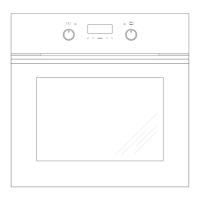
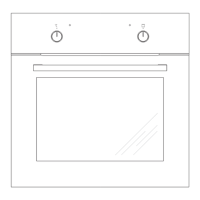
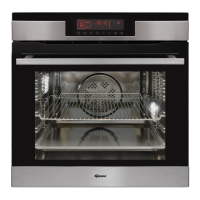
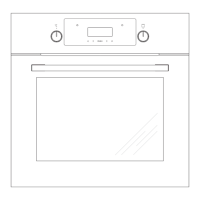
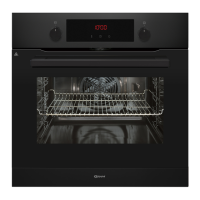
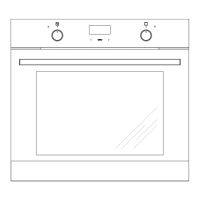
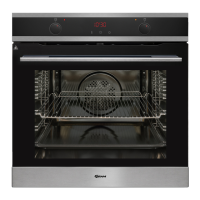
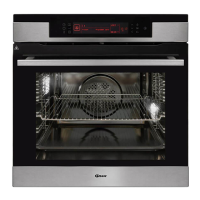
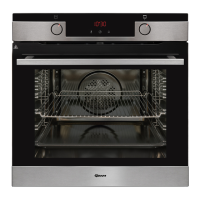
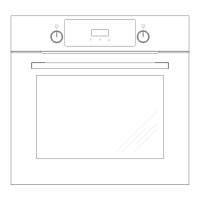
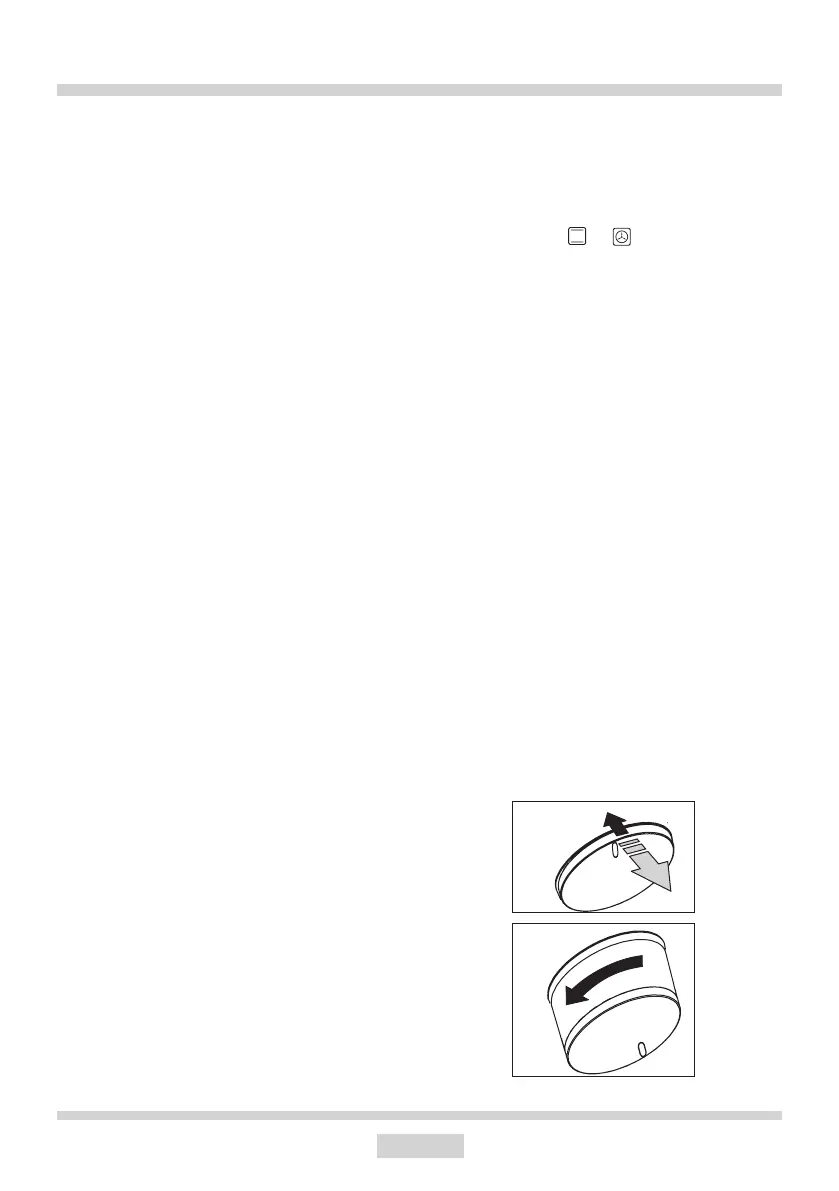
Push-pull knobs
The function selector knob and the oven
settings control are concealed in the front
panel. To set the function and/or settings,
gently press and release the knob. The
knob will pop out of the panel. You can now
set the appropriate function and/or settings.
Warm up the oven chamber
• Turn on the ventilation in the room or
open a window.
• Turn the function selector knob and set
the position or (there is a detailed
description of these functions later in
the instructions).
Set the temperature to 250°C. The oven
should operate for a minimum of 30 min-
utes; while it is operating the oven produces
a smell, which is only present at the be-
ginning but will eventually go away as the
appliance is used. This is perfectly normal
and is part of the process of warming up the
oven chamber.


 To Next Page
 Loading...