27
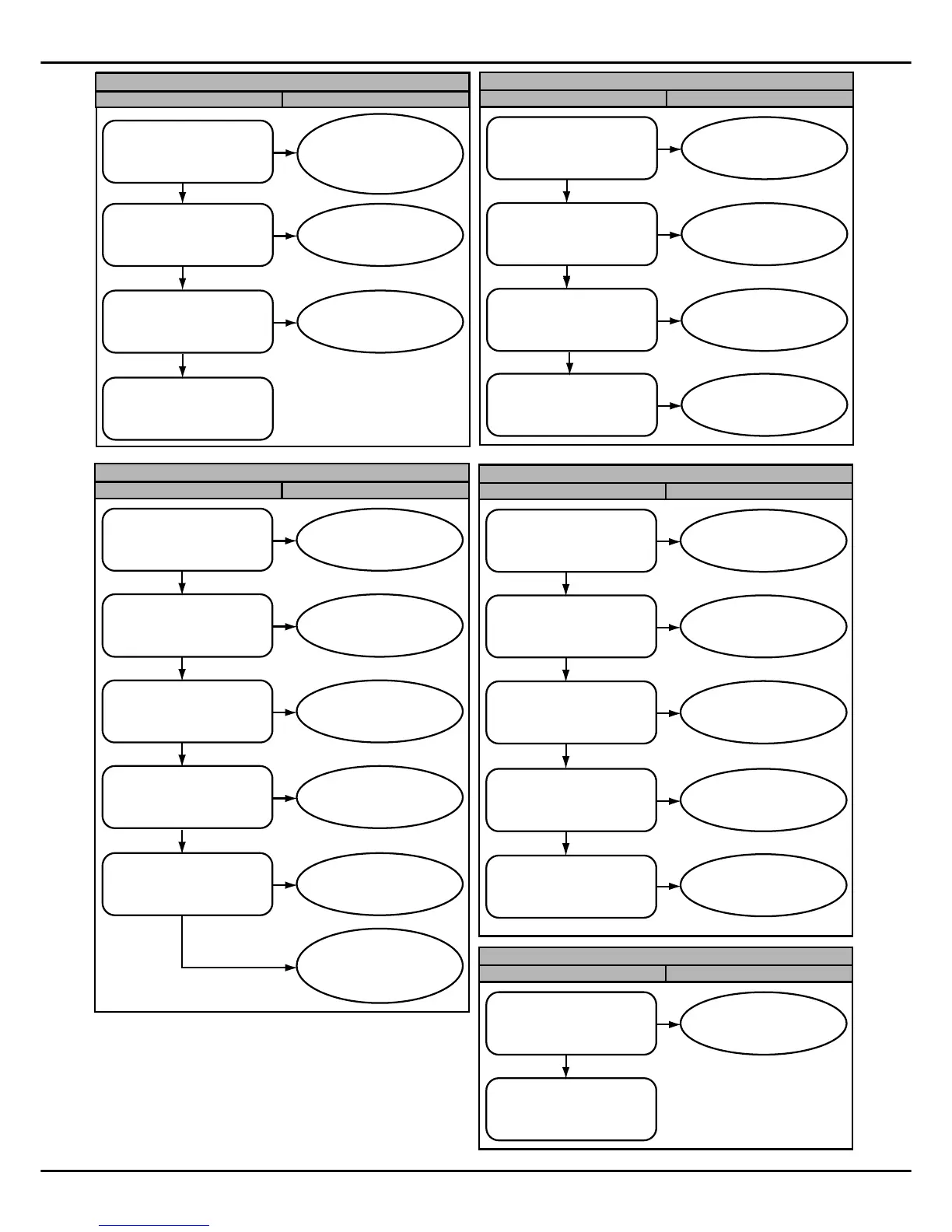
Eb/E6 (DC fan motor fault (for 4860))
Diagnosis Handling
Check whether motor wiring is
reliably connected according to
the wiring diagram
Yes
Check whether outdoor unit
air return is blocked
No
Reseat the wiring
according to wiring
diagram
No
Remove all the barriers
Check whether there’s 15V DC
between the test points P8 and
P2
Check whether wiring is
correct, replace the main
control board
Yes
No
Yes
Replace the motor to check
whether it is normal after
restart
Replace the main control
board
No
This fault is caused by strong
interference form electricity
grid.Unit will recovery when
electricity grid is normal.
E9 (EEPROM chip fault)
Diagnosis
Handling
Power off and then power on
to see whether it is normal
Yes
Re-insert the EEPROM
chip or replace the main
control board
No
P8 (Hurricane protection of the DC fan motor (for 4860))
Diagnosis
Handling
Check whether there’s 15VDC
between terminals P8 and P2
Yes
Check whether P8 error code
is displad once motor stops.
No
Replace the motor
If wiring is correct, replace
the main control board
No
Insure motor is not influenced
by an external force when
stopped, e.g. wind. Reset
power.
Check whether the high speed
operating of fan motor was
caused by external force
e.g.wind.
No
Yes
Replace the main control
board
Yes
F4/P0 (High temperature protection of IPM radiator (Tf))
Diagnosis
Handling
Check whether the radiator is
damaged
No
Check whether there’s dust or
fallen leaves influencing
radiator
No
Check whether the fan and
motor can normally operate
Yes
Check whether resistance
of Tf is in the range of
TABLE 2
Yes
Power off and restart to
check whether there’s the
same fault
Fix the radiator. If
radiator is damaged,
replace it
Yes
Clean all the dust and
fallen leaves
Yes
Replace the fan and
motor
No
Replace Tf sensor
No
Replace the drive board
Yes
E5(Voltage protection)
Diagnosis Handling
Check whether the power
supply voltage is between
187-253 V
Yes
Check whether the power wires are
connected firmly, whether the power
supply wire diameter meets the
requirements from the manufacture
Yes
Cut off the power, and wait until
electronic control indicator goes out,
then power on to see whether the
compressor operates normally
Yes
Test whether there’s 380V DC
between the terminals P2 and
P4 when compressor is
running
Yes
Check whether there are
high voltage equipments
nearby.
Make sure the power
supply is within
correct range
No
Replace the power supply
wires or connect the power
supply wires well
No
Replace the main
control board
Replace the main
control board
No
Yes
Separate high-power
equipment and power supply
No
This fault is caused by power
supply voltage instantaneous
fluctuation. Restart when
power grid is normal
No


 To Next Page