~4~
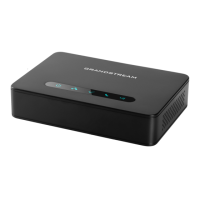
Charging Station:
Plug the power supply plug into a power source socket to start
using the charging station.
1: Bottom of charging station
2: Power supply plug
• Open the battery compartment (see below).
• Insert the batteries with correct polarity (+ and -).
• Close the battery compartment.
• Please charge the batteries fully before using the handset
for the rst time.
1
2
3
1: Battery compartment cover
2: Batteries
3: Rear of handset
Handset:
2
1
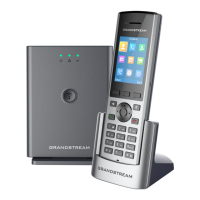
Setting up the DP720


 To Next Page
 Loading...