9
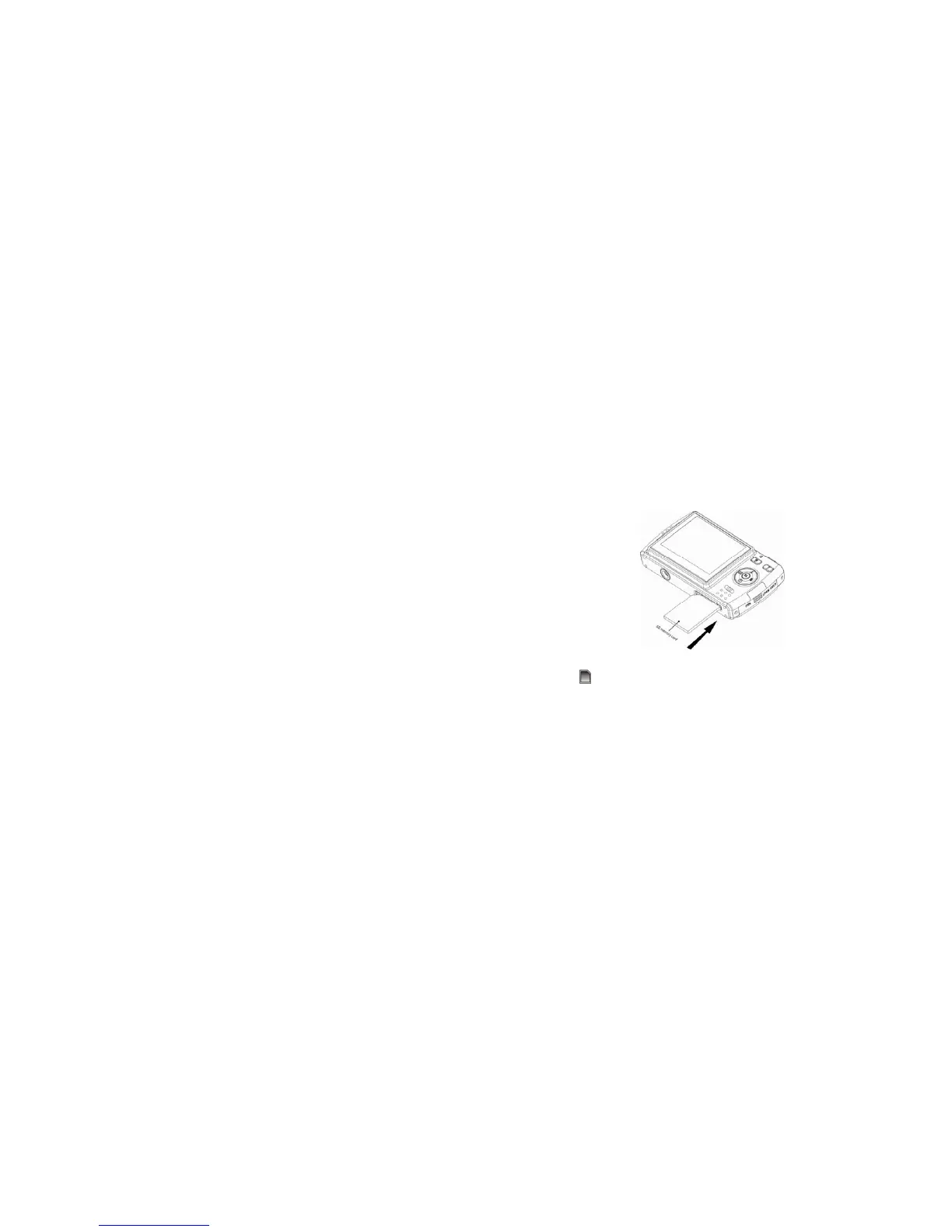
Install SD memory card
This camera supports any compatible SD memory card up to 4GB. Limited internal memory is only for
you to take test photos, these photos will be lost when you turn off your camera or remove the batteries.
For normal use an SD memory card needs to be inserted. Please refer to the below diagram for correct
installation method:
Locate the SD memory card slot, insert an SD memory card as above, until you feel and hear a “Click”
sound. When the
icon appears on the LCD screen this indicates that your SD card is installed
correctly.
Note:
1. After you inserted the SD memory card, a “Copy to Card?” will show on the LCD. Press the
Right/Left button to select “Yes” to save the test photos/videos to the SD memory card or select “No”
if you do not want to save these test photos/videos.
2. After the SD memory is inserted successful, the photos/videos you have taken will be stored on the
SD memory card.
3. Formatting will delete all data on the SD memory card including protected data.



 To Next Page