8
Prepare Your Camera for use
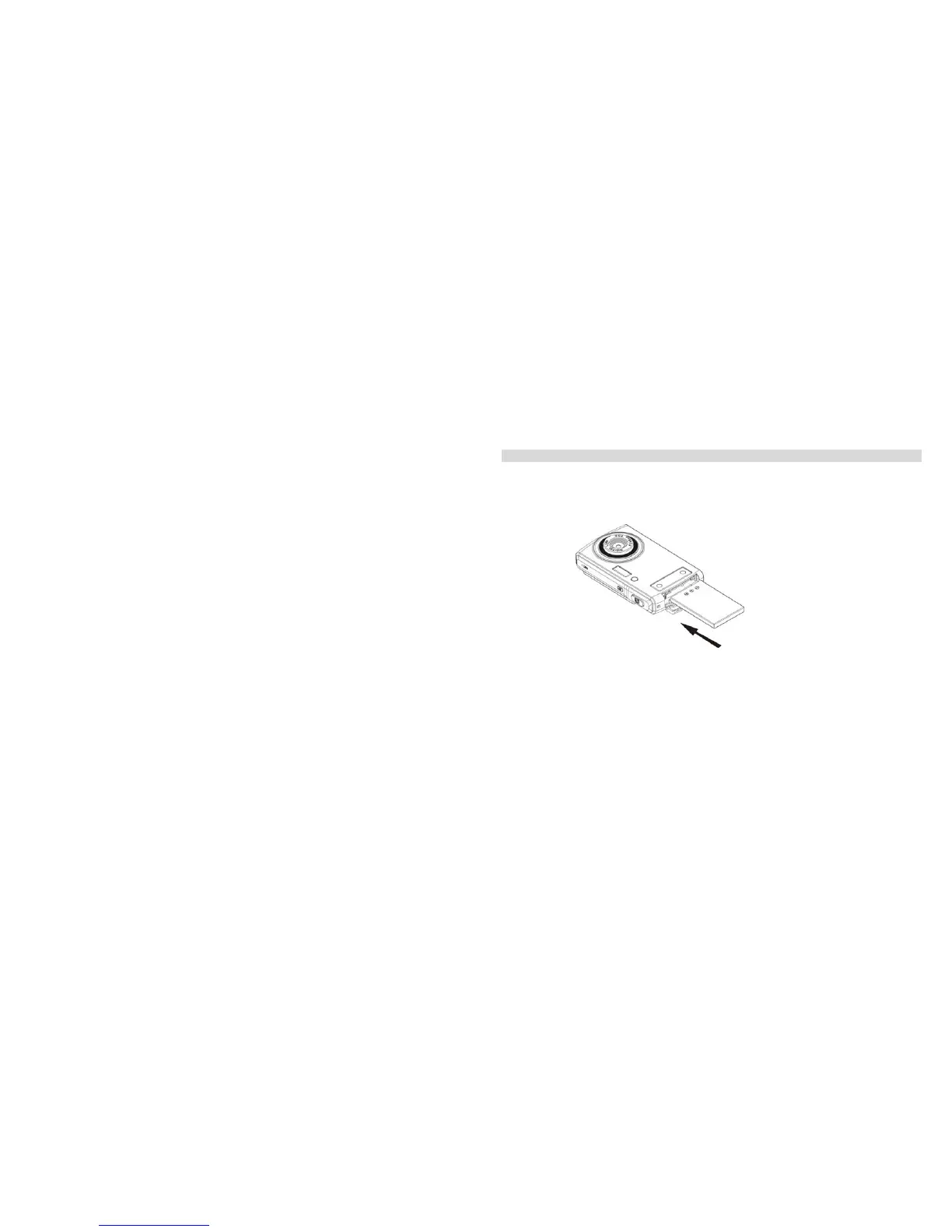
Install battery
Your camera supplied a lithium battery for power, please refer to the following illustration as correct
installation method:
1. Open the battery compartment.
2. Insert the lithium battery correctly as the correct polarity facing up with the battery cover.
3. Close the battery compartment.
Note:
Please uninstall your battery when you don’t intend to use your camera for a long time to prolong
battery life.
Charging your lithium battery
When low battery icon is flashing on the LCD, this means the battery power is insufficient, now you need
to connect your camera to PC with USB cable for charging. A red LED will light up until full charging.



 To Next Page