29
Playing the AVI video file
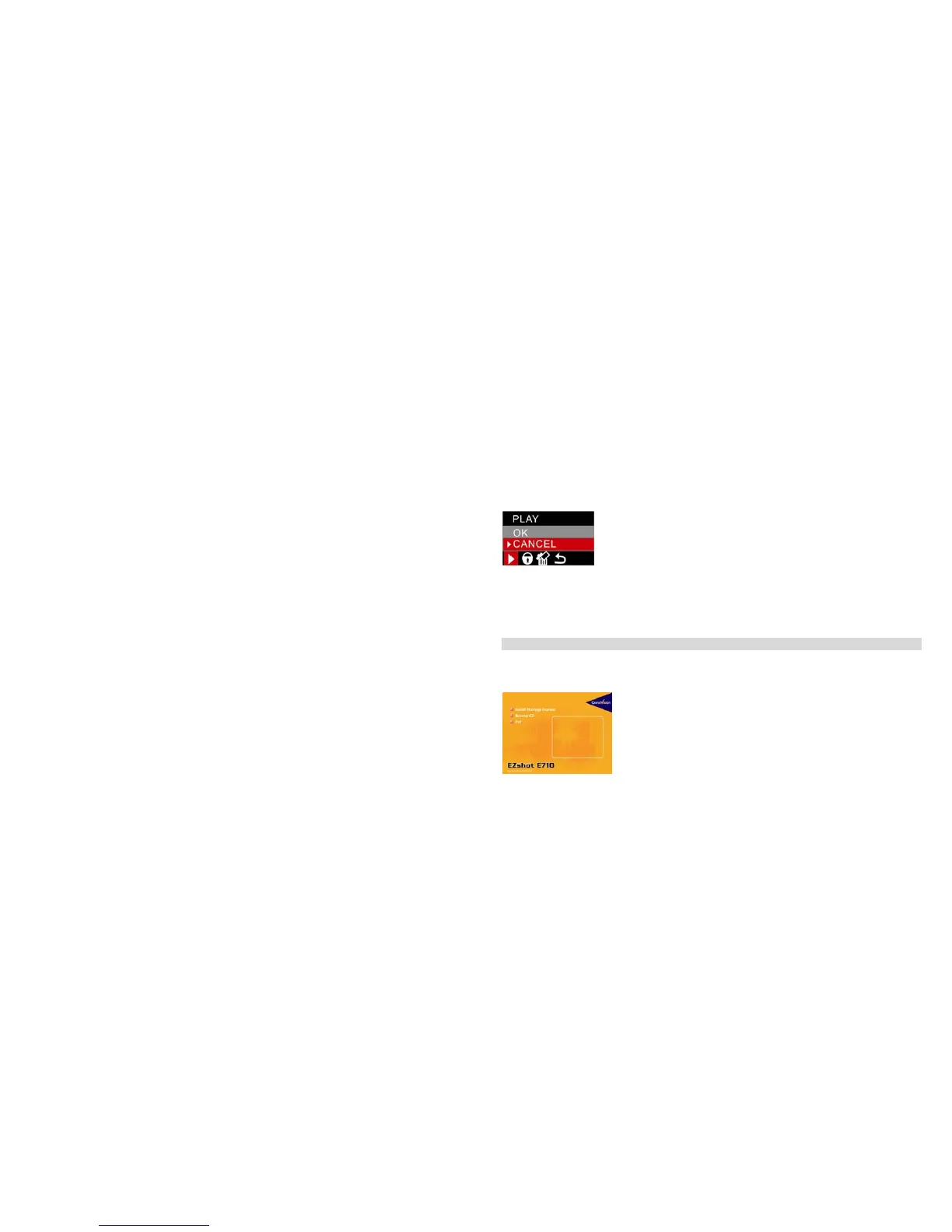
Select an AVI video file you wish to play.
1. Press the Menu/OK button.
2. Press the Up/Down to select “OK”
3. Press the Menu/OK button to confirm and playback the AVI video file.
Note: For how to protect, delete photos, please refer to Operation for still photos.
Install PhoTags Express Software
NOTE: Make sure that your camera is not connected to the computer.
Insert software CD to your computer. After a few seconds, there will be shown an installing main window
on the screen.
You can “Install PhoTags Express”, “Browse CD”, “Exit”, in this installing main window.



 To Next Page