28
Note: if you select SAVE at step 8, the area you cropped will be saved as a new photo.
Print
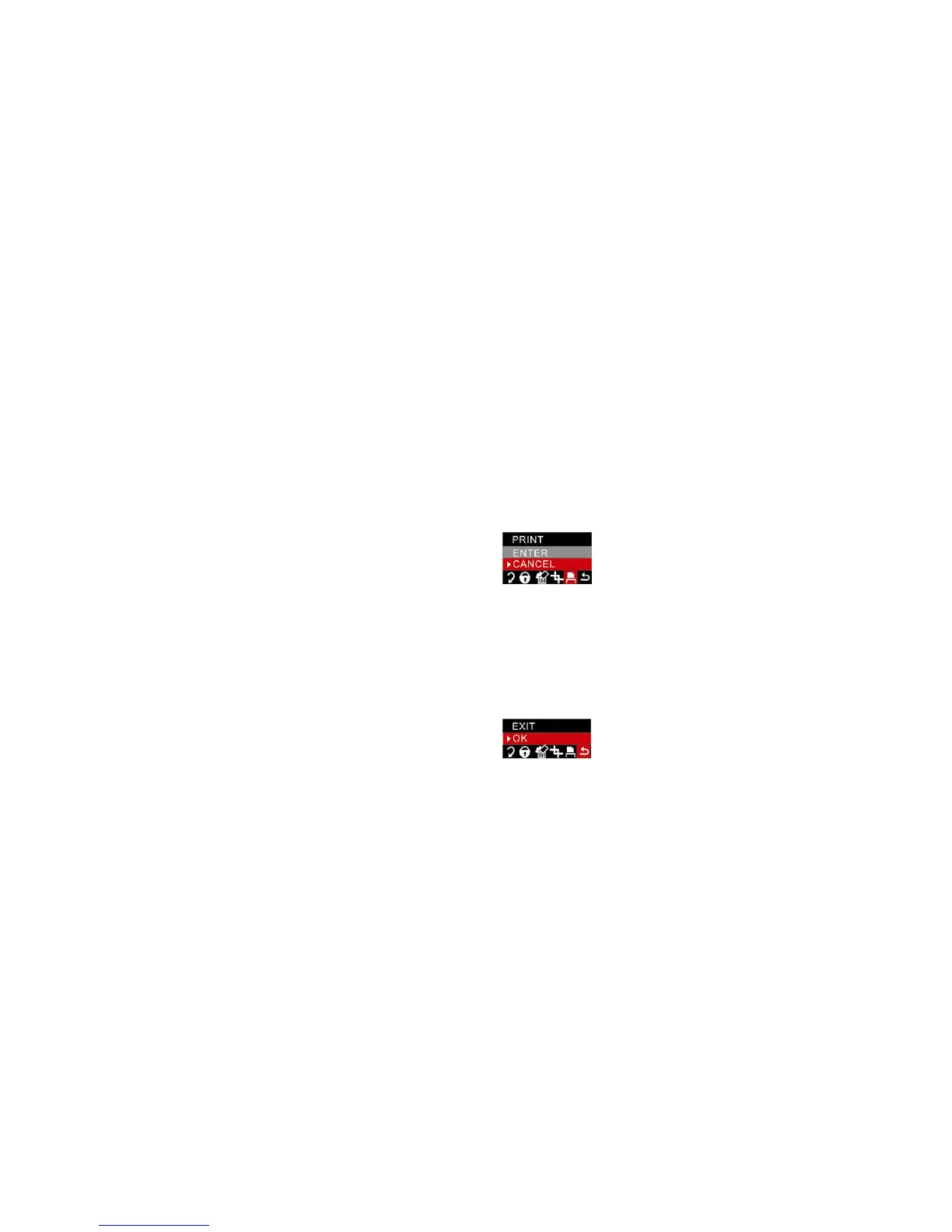
Your camera allows you to print the photos with a connected printer. This operates as explained below:
1. Select the photo you want to print.
2. Press the Menu/OK button
3. Press Left/Right button to select PRINT menu.
4. Press the Up/Down to select “Enter”.
5. Press the Menu/OK button to confirm. The LCD screen will now show:” please plug USB in or press
left key to exit”.
6. Connect your camera to the compatible printer with the USB cable correctly inserted.
7. Press the Menu/OK button.
8. Press the Up/Down button to select “Print”.
9. Press the Menu/OK button to confirm. A “Print….” appears on the LCD. After a moment the selected
photo is printed.
Note: you can select “Cancel” to stop the printing.
Exit
This option allows you to exit the menu and return to the playback mode.
1. Press Menu/OK button.
2. Press Right/Left button to select Exit menu.
3. Press Menu/OK button again to confirm.



 To Next Page