30
Install Photags Express
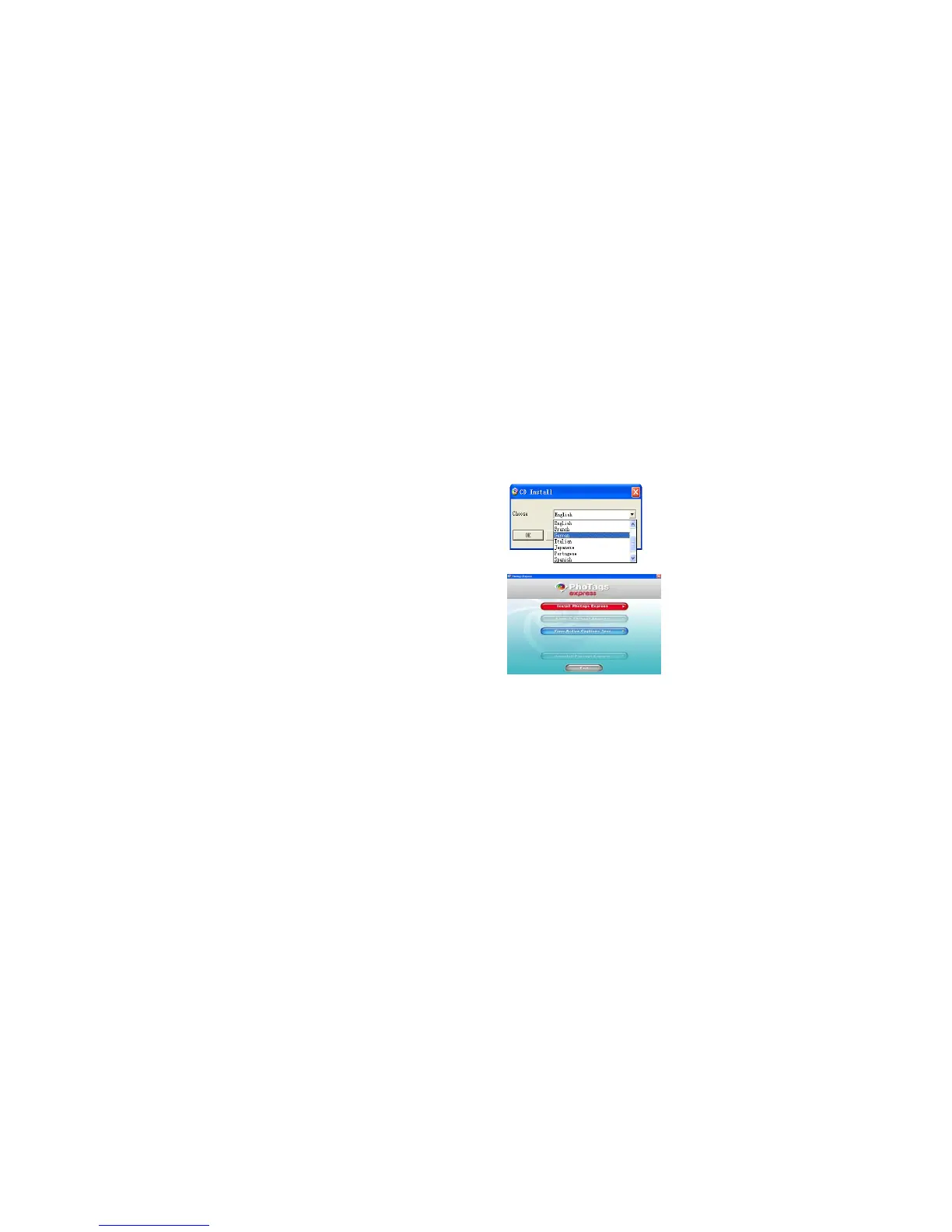
Click on the “Install AP” to start installing process. The language window will be shown on the screen and
you can choose the language you want to use.
And then the installer window will be shown as below.
After you click “Install Photags Express” button, there will be showing some windows that help you to
finish the installing. You are only required to follow the description and click the buttons that it’s defaulted
by the software.
Register online
Click “Register online” button to have a registration. Or you can directly click “Continue” for registration
next time.



 To Next Page