21
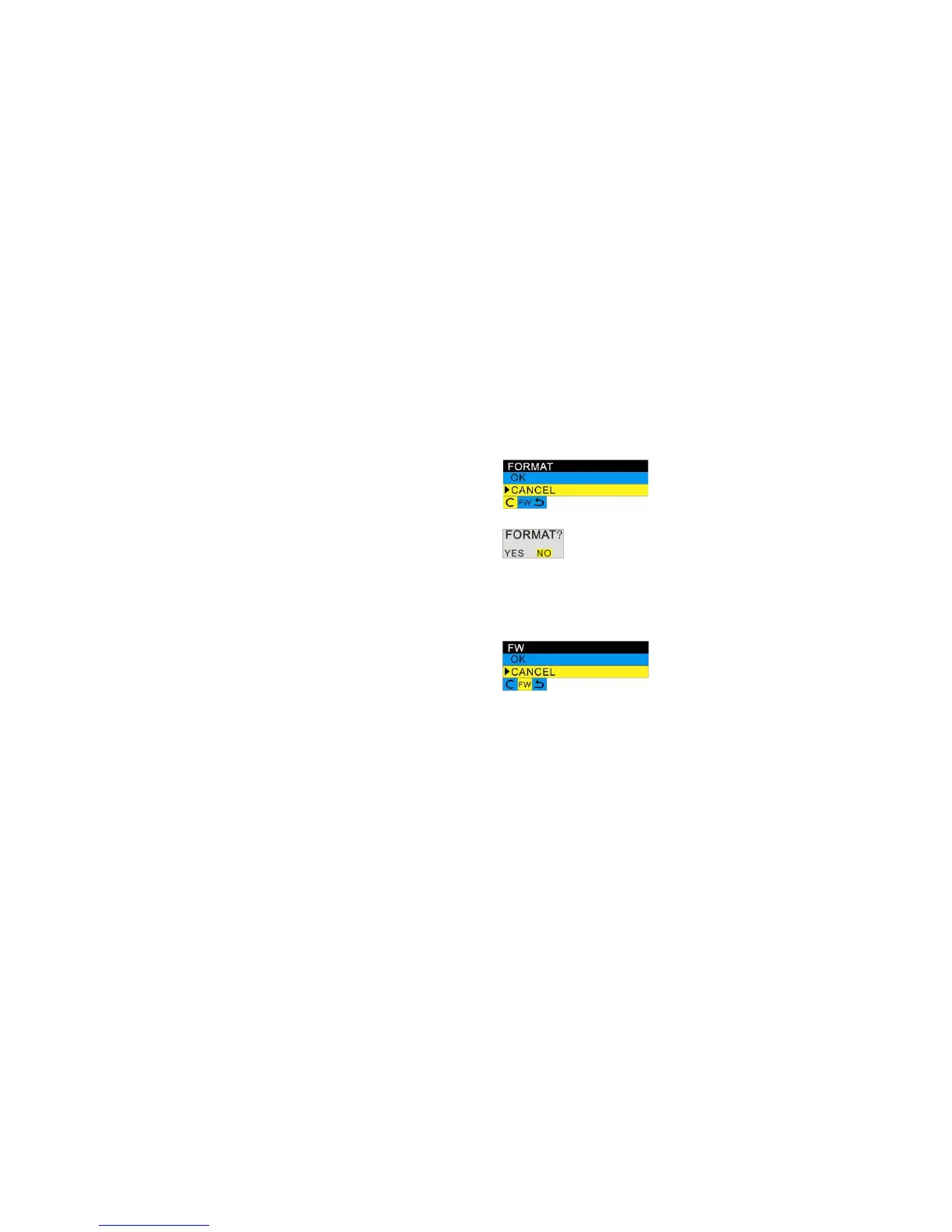
1. Press the Right/Left button until you select Format.
2. Press the Up/Down button to select OK.
3. Press the Menu/OK button to confirm.
4. Press the Right/Left button to select “Yes” to format, “No” to exit.
5. Press the Menu/OK button to confirm.
6. Press the Shutter button to return to standby mode.
FW version
You can check the FW version of your camera.
1. Press the Right/Left button until you select FW.
2. Press the Up/Down button to select OK to check the FW version.
3. Press the Menu/OK button to confirm.
4. Press the Shutter button to return to the standby mode.
Exit
Select this option to exit setup menu. Alternatively you can press Shutter button to exit setup menu and
return to standby mode.



 To Next Page