23
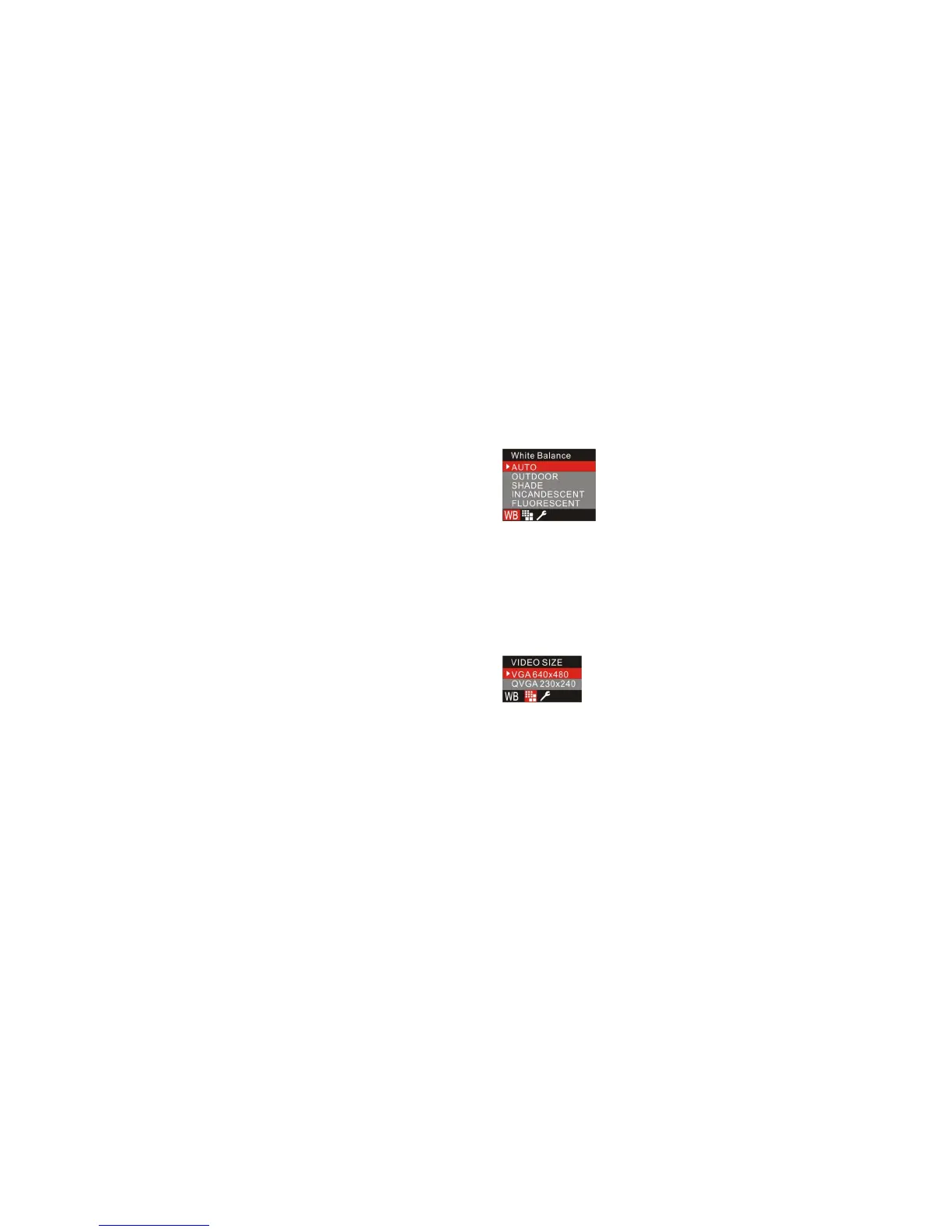
2. Press the Up/Down button to select an option from the menu.
3. Press the Menu/OK button to confirm and exit to standby mode. The corresponding icon will appear
on the LCD screen.
Note: You can press Left button to set quickly.
Video Size
Your camera supports 2 video resolutions- 640x480 (VGA) pixels, 320x240 (QVGA) pixels.
The default resolution is VGA.
1. Press the Menu/OK button.
2. Press the Up/Down button to select Video Size.
3. Press the Menu/OK button to confirm.
Setup Menu
Please refer to the Setup Menu in Camera mode for operation.



 To Next Page