34
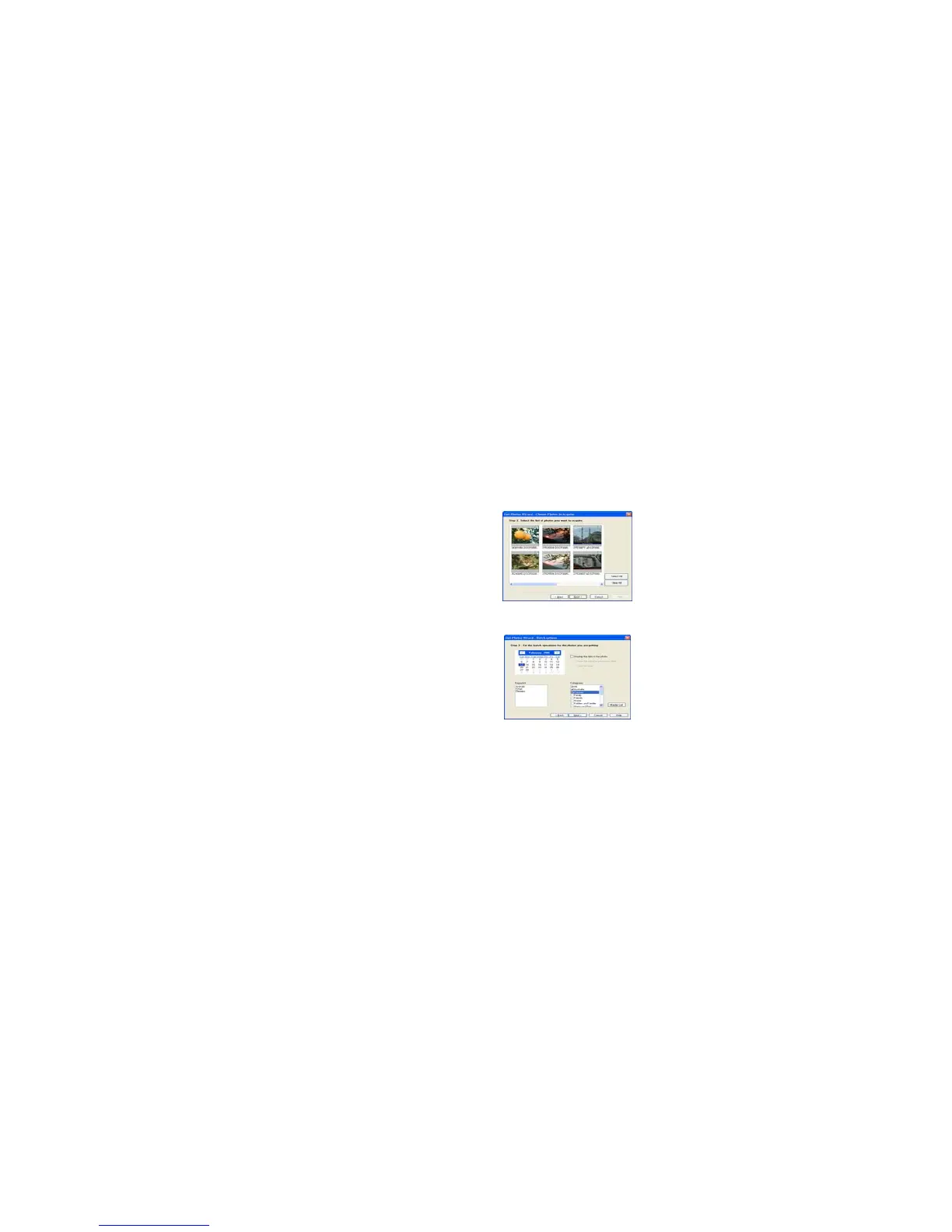
This mode is used to manually select the photos you wish to copy to your computer.
The “Device selection” mode will appear. Both your camera and the memory card will each appear in the
“Active Devices” list
Select “Custom copy” click “Next” to continue.
Note: At this moment, you can select “Express” option to copy all photos to your computer.
Select your photos click “Next” to continue.
Add active captions to the picture. With this feature you can add a date, keywords and categories. Click
“Next” to continue.



 To Next Page