Page 6 For technical questions, please call 1-888-866-5797. Item 58653
SAFETY OPERATION MAINTENANCESETUP
Steam Cleaning
WARNING! TO PREVENT SERIOUS INJURY: POINT STEAM AWAY FROM PEOPLE, ANIMALS, PLANTS AND
ELECTRICAL OUTLETS.
To prevent steam burns when changing attachments, release Trigger and unplug unit, then let unit cool for
5-6 minutes. After unit has cooled and Tank Cap has stopped spinning, press and hold Trigger to release
residual steam pressure before removing attachments. Avoid contact with any water still in the attachment.
NOTICE: To prevent damage to Steam Cleaner, avoid putting excessive pressure
on attachments, let the Steam Cleaner do the work. To prevent damage to surfaces,
perform a spot test on an inconspicuous area before steaming any surface.
Note: Steam Cleaner is equipped with thermal protection. If unit reaches the internal temperature
limit, heater will automatically shut off and steam output will stop. Trigger can be held down until
temperature drops to a safe level and then steam output will restart (usually 20-30 seconds). Trigger
can also be released and cleaning can resume once the Steam Indicator Light comes on.
CAUTION! Do not operate Steam
Cleaner without water in the Tank.
1. Dust, sweep, and/or vacuum
surface before steaming.
2. When ready to use, plug Steam Cleaner
into a dedicated 120V outlet.
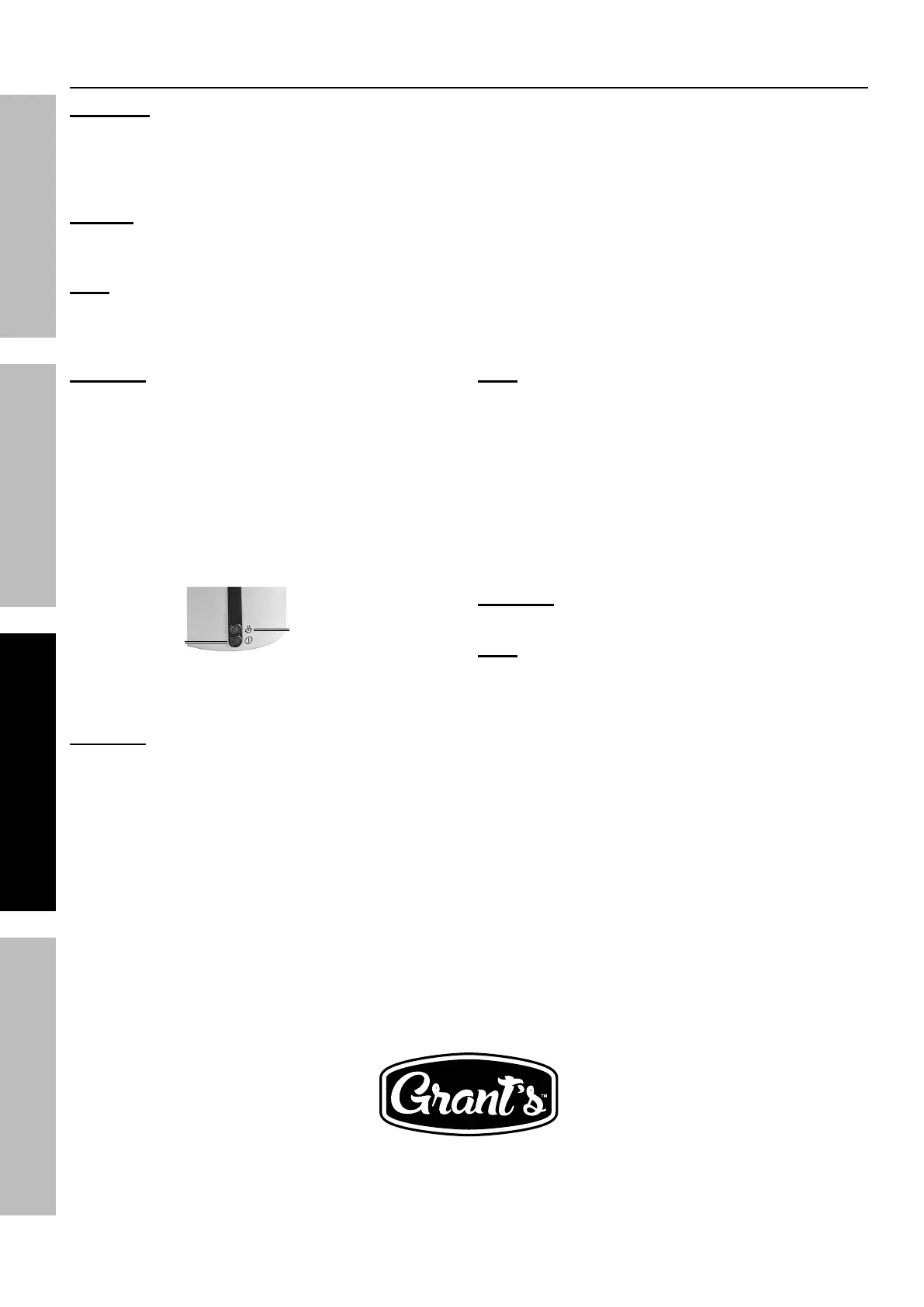
3. The red Power Light will come on after
plugging in. When green Steam Light
comes on, unit is ready to use.
Power
Indicator
Steam Indicator
4. Connect attachment(s) appropriate for job. See
Connecting Attachments, starting on page 7.
CAUTION! Do not steam clean
without an attachment.
Note: Water spattering from
attachment at startup is normal.
5. Press Trigger to begin steaming. Keep
Steam Cleaner moving to avoid
oversaturating any one area.
6. To sanitize hard surfaces, hold attachment
1/2" from surface for 5 seconds.
7. Wipe surfaces with Cloth after steaming.
Steam loosens dirt, but does not remove it.
CAUTION! To prevent burn injuries, allow
surfaces to cool briefly before wiping them.
Note: Tank will need to be refilled
when steam flow decreases.
8. When finished, unplug unit from outlet.
9. Let unit cool for 20 minutes, then clean
and store according to User-Maintenance
and Storage on page 8.


 To Next Page
 Loading...