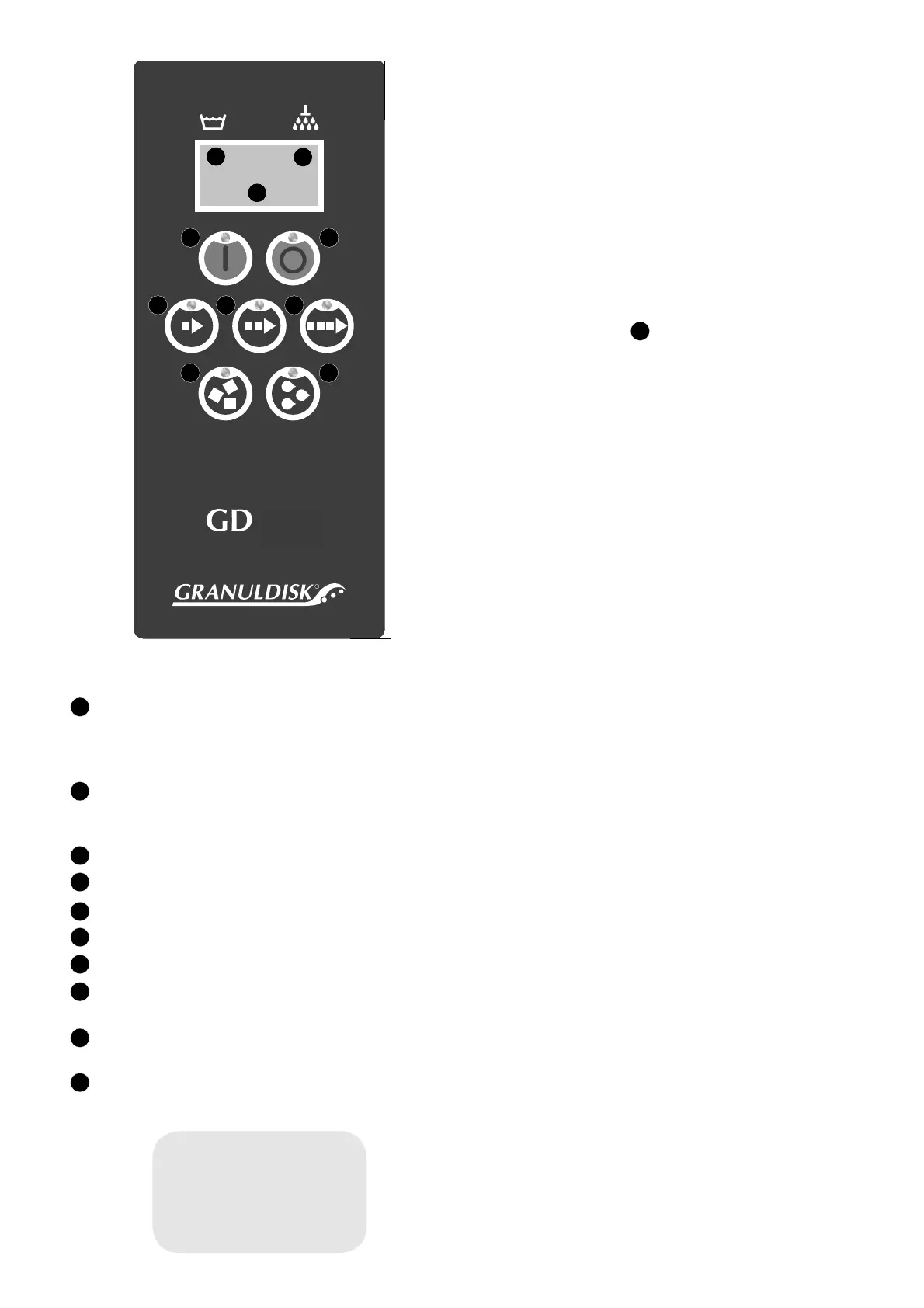
Control Panel
(1) START button
This button starts the wash program described in the dis-
play. This button is also used to answer “Yes” to a question
shown in the display window.
(2) STOP button
This button stops all ongoing activities in the machine and
resets any alarms.
(3) Short programme selection
(4) Normal programme selection
(5) Long programme selection
(6) Washing with granules
(7) Washing without granules
(8) Temperature, wash tank: if the fi gures are fl ashing, the water
is being heated.
(9) Temperature, rinse tank: if the fi gures are fl ashing, the water
is being heated.
10 Wash programme selected
10
R
600
WARNING!
Only qualifi ed electricians may work
with the electrical unit.
The main fuse shall always be removed
when working with the electrical
components.
Incorrect connections can cost lives.
Display
The temperatures in the wash tank and rinse tank are always
shown in the display. How much time is remaining for the wash
programme is also shown while washing is in progress. And
error messages are also shown. How these are to be rectifi ed is
described in section 10 of this manual. All diodes on the panel
fl ash when an alarm is activated.
One of the following three questions will be shown in the dis-
play, depending on the machine mode at the time:
1. Fill wash tank?
2. Heat wash tank?
3. Choose programme?
Press the START button (1) to start the process indicated.
Starting the machine
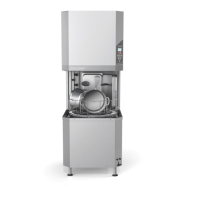
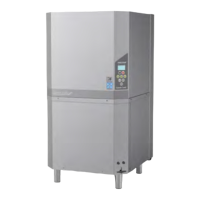
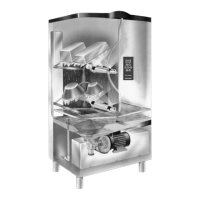
The GD 600 fi lls with water via the solenoid valve for incom-
ing water located on the rear of the machine. A requirement for
fi lling is that the doors are closed. Filling with water is activated
by pressing the START button on the control panel when the
question “Fill washtank?” appears in the display. The machine
then starts when you select the wash programme and press the
START button. The machine is programmed so that it cannot
be started if the temperature in the wash tank is lower than 65
°C directly after the water has been added. This block function
is set to 60 °C for subsequent starts. The machine may be repro-
grammed only by an authorised engineer.
Note: The GD 600 cannot be started until it is full of water.
GD Memo™
GD Memo is a function which informs the user of the machine’s
most important maintenance requirements. With GD Memo™,
it is possible to ensure optimum wash results, avoid stoppages
under high loads and maintain the lowest possible operating
costs. This function is integrated in the control panel and informs
the user of three actions: changing the wash water, changing the
granules and when the annual service is due.
HACCP Operation and Hygiene documentation
Granuldisk® Documentation Tool, GDTdirect™, is an integrated
function for the documentation of the dishwashing machine’s
operating parameters and critical hygiene control points, HACCP.
This function can be used in two different ways. Operating data
for the last 100 wash programmes run is viewed directly in the
control panel window. An external computer can be linked to the
machine and operating data stored in separate fi les so that all his-
torical data can be saved. See also section 8 on page 19.
Energy saving – GD Powersave (option)
The GD 600 can be prepared to operate in a central power
restriction system. In this instance, the machine is supplied with
a 24 VAC relay (K50 in the electrical cabinet) which interrupts
the power supply to the two heater elements from an external
24 V signal.
Operating indication – GD Contact (option)
The machine can be supplied ready for the connection of oper-
ating indication, such as an external lamp. In this instance, it is
fi tted with a 24 VAC relay (K51 in the electrical cabinet) which
is enabled when the power to the machine is switched on.
10
1 2
3 4 5
8
9
6 7
1
2
3
4
5
6
7
8
9
10
1


 To Next Page