1.2 Function check
Carry out a quick function check to check whether the oscilloscope works normally
according to the following steps:
1. Turn on the power source, and set the default attenuation as 1× according to the
probe option [DEFAULT setup].
2. Set a switch on a probe of the oscilloscope as ×1 and connect the probe with a
connector CH1BNC of the oscilloscope. Connect a hook-shaped head of the probe
to a probe compensation signal connector marked with ‘‘1KHz’’, and clamp a
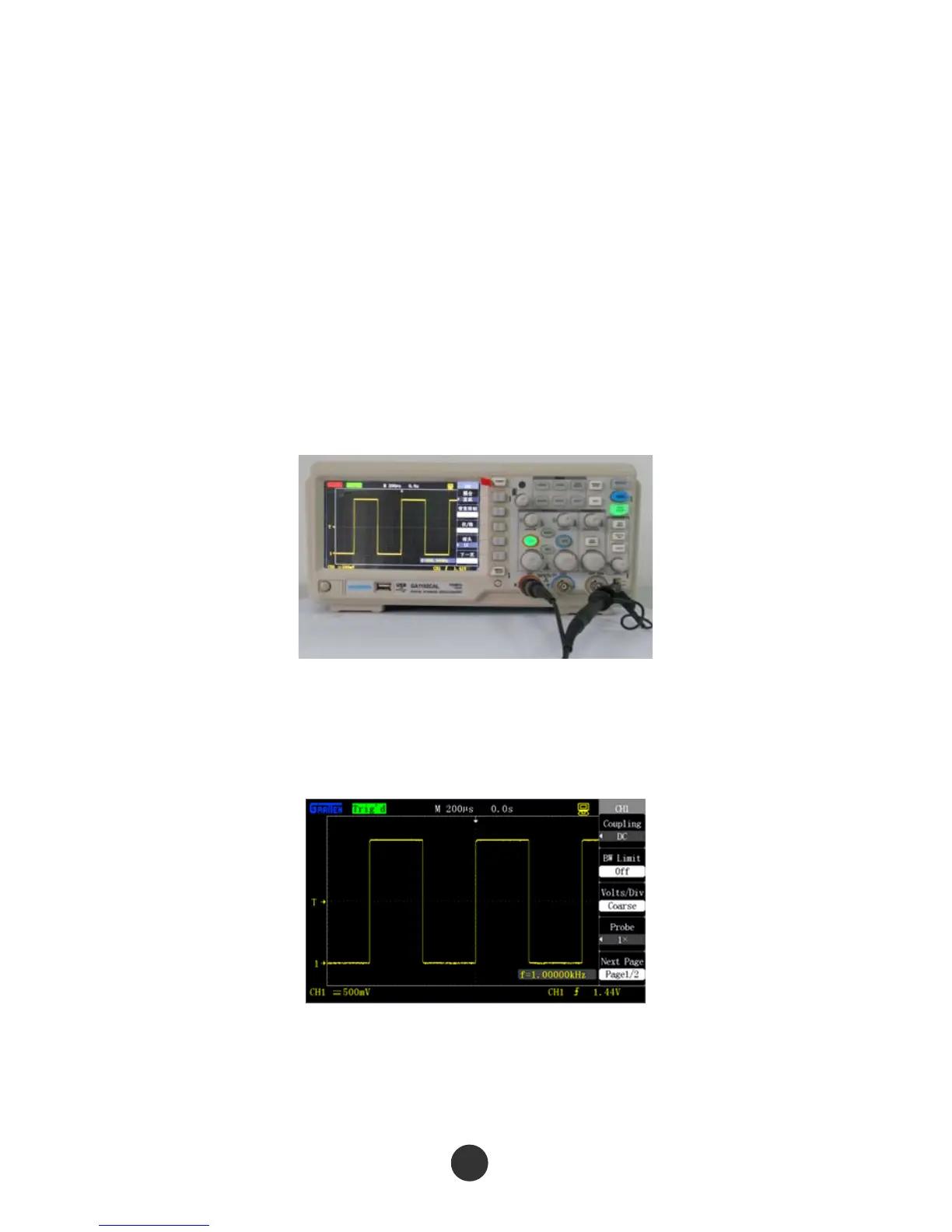
grounding hook marked with “GND” by a grounding clamp, as shown in the figure
below:
Figure 1-4 Function detection
3.Press [AUTO]. Within few seconds, CH1 displays a square wave of which the
frequency is 1kHz and the peak-to-peak voltage value is 3V.
Figure 1-5 Probe compensation signal
4. Connect the probe with channel 2, and CH2 displays the same waveform after [AUTO]
is pressed.
5



 To Next Page