2.3 Default setups
The default setups represent some option parameters that are set before the
oscilloscope leaves factory for normal operations.
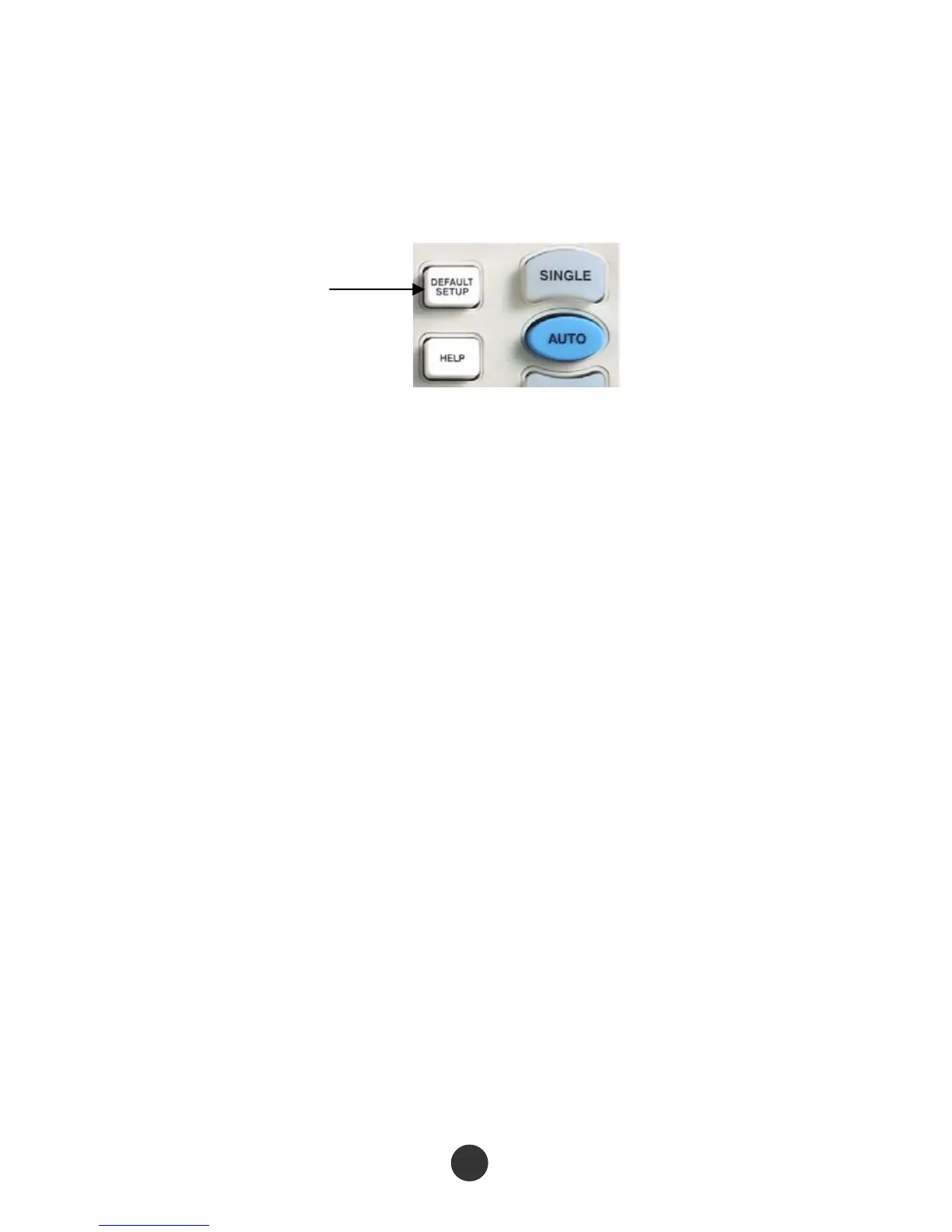
Figure 2-3 Default setup key
The [DEFAULT SETUP] key represents the default setup function, most of the options
and control setups of the factory are recalled by pressing them, some setups are not
changed, and the following setups are not reset:
Language options
Saved standard waveforms
Saved setup files
Contrast ratio of display screen
Calibration data
Default setup



 To Next Page