Chapter Topics
Book Topics
GrIP User’s Guide
Chapter 5 – GrIP Software
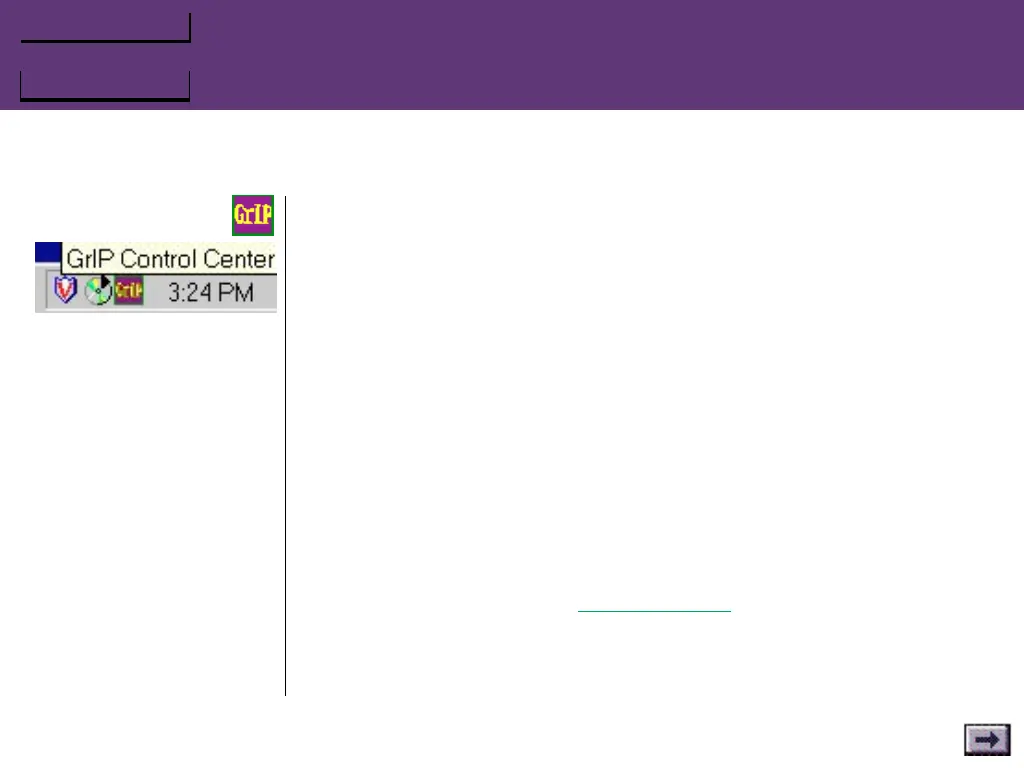
To start GCC:
GCC is run automatically every time Windows 95 starts up. A small GCC
icon appears on the task bar. To start the program, click on the task
bar icon.
The GrIP Control Center window opens. The status window should
display a message, letting you know what devices it finds attached to
your game ports or MultiPort ports. If there is a problem with your
mode selection, GCC will tell you, and the icon on the task bar will
flash.
Keyboard Emulation
The Keyboard Emulation on/off checkboxes allow you to disable and
re-enable Keyboard Emulation from the task bar—without starting the
GrIPKey software.
If you have not configured your GrIP controller with a GrIPKey set
(which you do by choosing Configure GrIP from GrIPKey’s File menu
or by running GKLOAD from the DOS prompt), these options will be
unavailable.
...GrIP Control Center (GCC), Cont’d.



 To Next Page