Chapter Topics
Book Topics
GrIP User’s Guide
Chapter 5 – GrIP Software
keys in the Release String field to be performed when you release
the button.
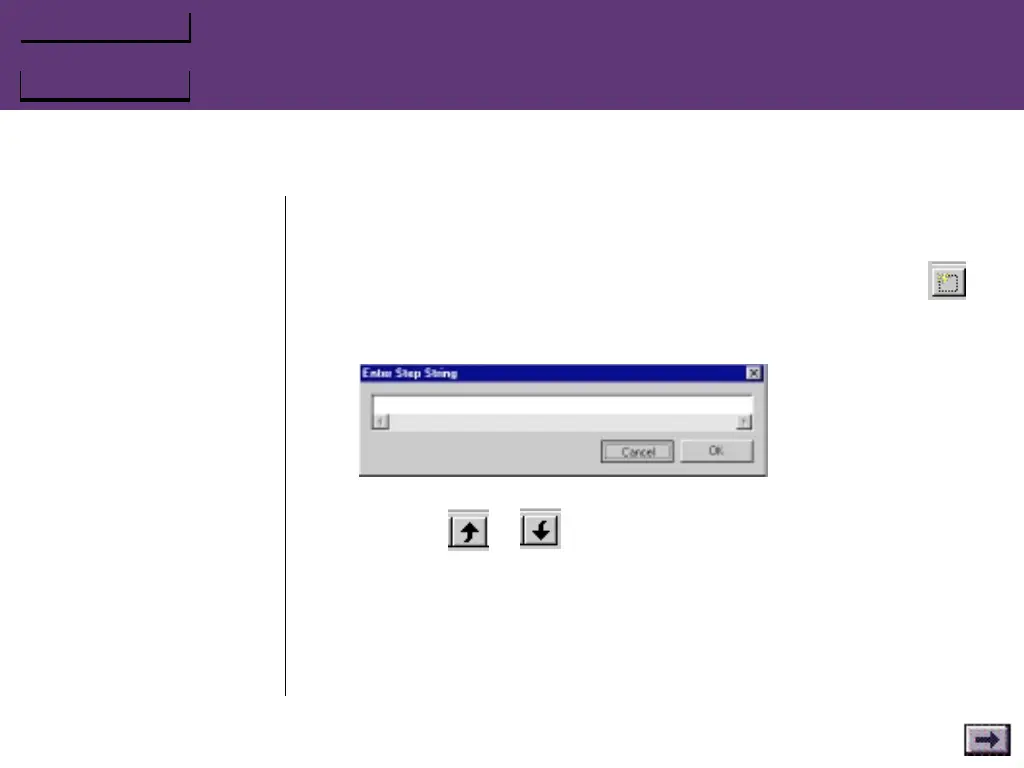
For a Step mode entry, click the Add New Step String button
and enter a key or series of keys in the Enter Step String dialog.
Repeat these steps for each game command in the Step series.
To move a line up or down in the Step dialog, select the line and
press the or button.
4. Click OK, then repeat step 3 for each game command that you
want to assign to a button on your GrIP controller.
5. When all the game‘s commands are entered in the Keyset window,
you can assign them to buttons on your GrIP controller:
...GrIPKey Keyboard Emulation Software, Cont’d.



 To Next Page