Chapter Topics
Book Topics
GrIP User’s Guide
Chapter 5 – GrIP Software
The Function Configuration Window
You will do all your button programming in the Function Configura-
tion window.
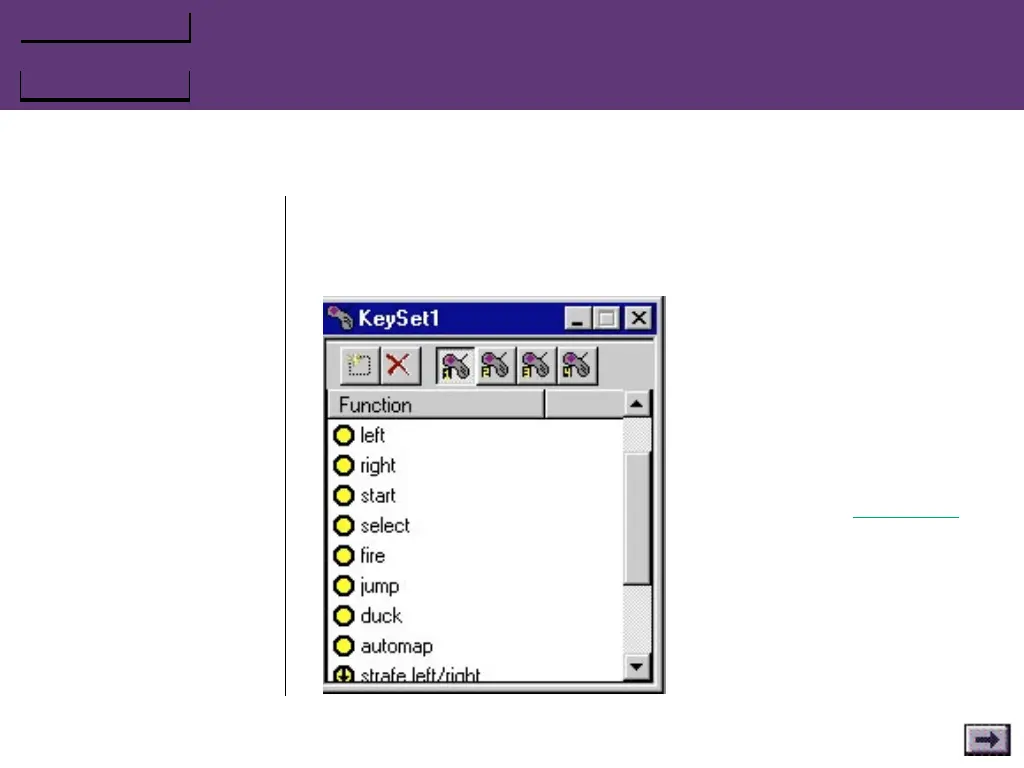
To open the Function Configu-
ration window, choose Edit/Add
Function..., or click on the Add
New Function button in the
active Keyset window. You can
also open a Function Configura-
tion window for a specific
button by double-clicking on
the button in the Controller
window or by right-clicking on
the button selecting Properties.
...GrIPKey Keyboard Emulation Software, Cont’d.



 To Next Page