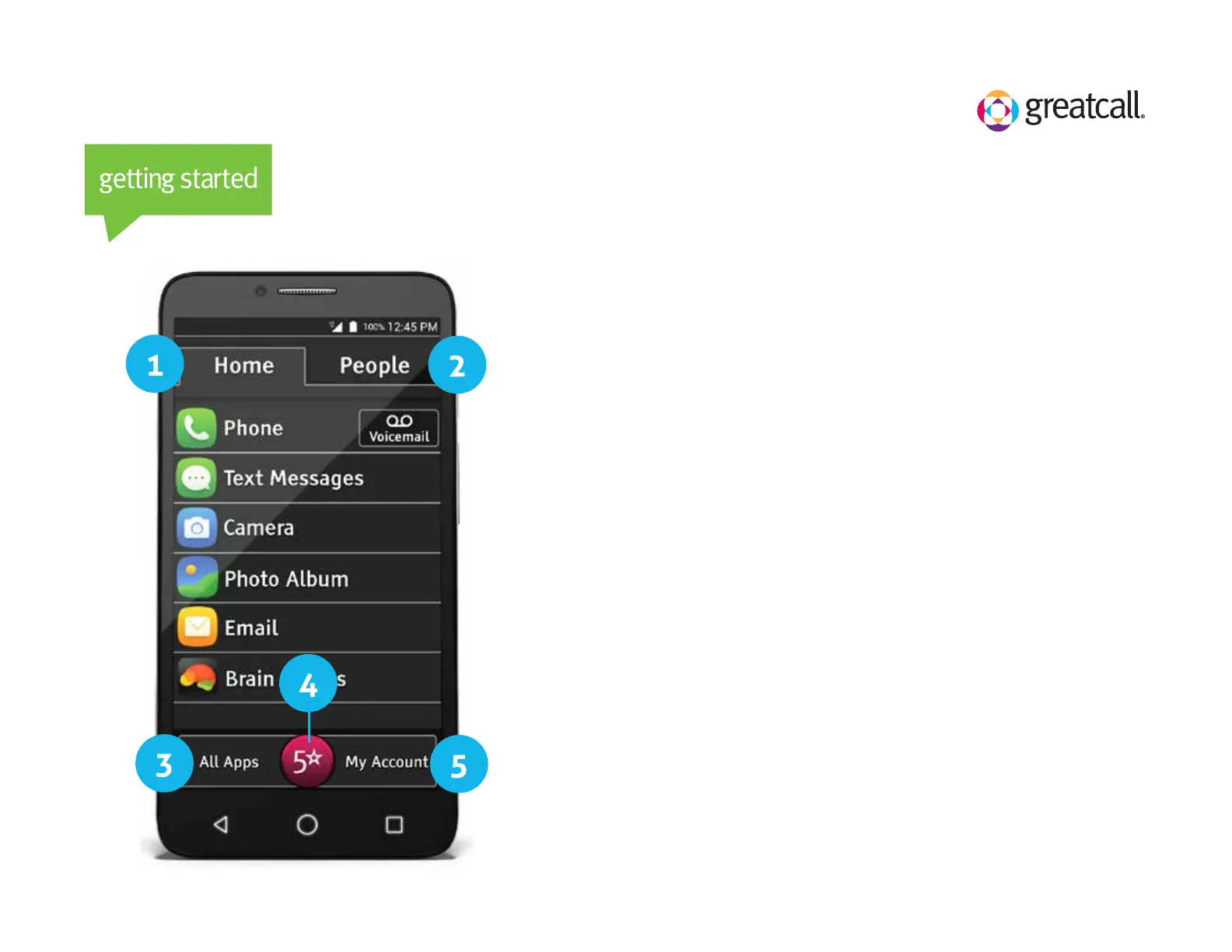
Home Screen
Understanding your Jitterbug Smart Home Screen
1) Home Tab: View a list of your favorite phone
functions and Apps
2) People Tab: View a list of your favorite Contacts
3) All Apps: View a list of all of your Apps
4) 5Star App: Get emergency help, 24/7
5) My Account: Check your minute and data usage
and get help with your phone or account



 To Next Page