EasyManua.ls Logo

Greater Goods 0375 - User Manual

Greater Goods 0375
14 pages
Print Icon
To Next Page IconTo Next Page
Loading...
version:1.0
Email: info@greatergoods.com Phone: (866) 991-8494
User Manual
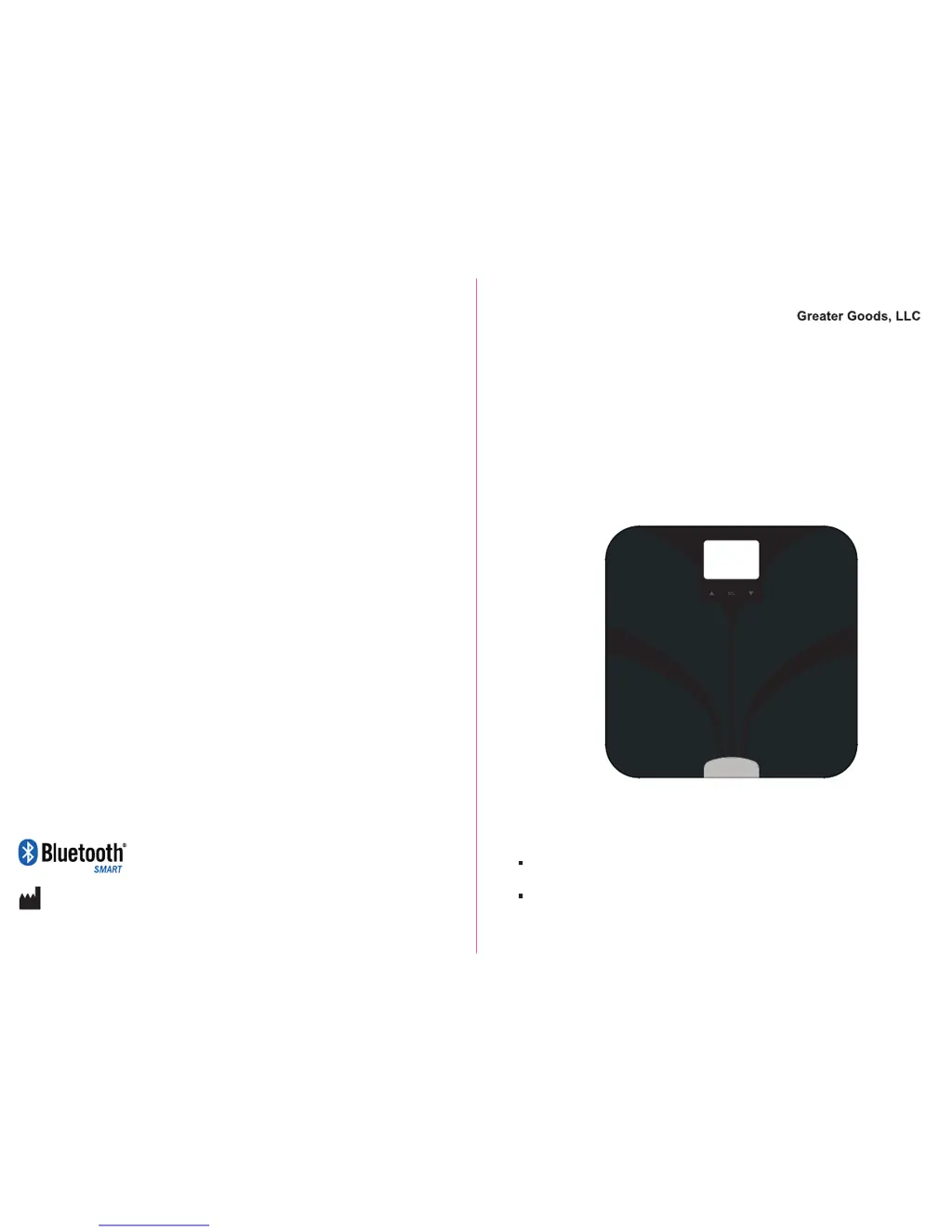
Body Fat Analyzer
0375,0376
Please do read the user manual carefully and thoroughly so as to ensure
the safe usage of this product, and keep the manual well for further
reference in case you have problems.
Thank you very much for selecting the Greater Goods,LLC Body Fat
Analyzer 0375,0376.
125N. Main St. Suite 202 St. Charles, MO 63301
Greater Goods, LLC
Website: greatergoods.com

Questions and Answers

  • A
    Amanda WalkerAug 2, 2025
    Why is data transmission failing on my Greater Goods 0375?
    • C
      Cheyenne MendezAug 3, 2025
      If your Greater Goods Scales fail to transmit data, ensure that Bluetooth is turned ON via “Setting >> General >> Bluetooth.” Also, check that the app is running by pressing the icon to turn it ON. Make sure your smartphone is close enough to the scale for Bluetooth transmission. Finally, ensure a User ID is assigned as instructed in Set Up Your Profile.
  • Z
    zmacdonaldAug 8, 2025
    What to do if there is no display on my Greater Goods 0375?
    • J
      Julie AllenAug 8, 2025
      If your Greater Goods Scales do not display anything on the LCD screen when powered on, the batteries may not be installed, so install the batteries. Alternatively, the batteries may be worn out, so replace all four batteries at the same time with authorized batteries.
  • D
    Dale MartinezAug 14, 2025
    Why do my Greater Goods 0375 keep powering off?
    • M
      Mary LopezAug 14, 2025
      If your Greater Goods Scales power off unexpectedly, it's likely due to a low battery. Replace all four batteries simultaneously with authorized batteries.
  • J
    John GarciaAug 20, 2025
    What to do if my Greater Goods Scales cannot analyze body composition?
    • D
      debramurilloAug 20, 2025
      If your Greater Goods Scales cannot analyze BMI, body fat, total body water, muscle mass, and bone mass, make sure you are barefoot and have full contact with the electrodes during measurement. The system also might not be able to identify the correct User ID or you might have failed to select the User ID; in both cases, assign a User ID following the instructions in Set Up Your Profile.
  • E
    ekelleyAug 27, 2025
    Why are my Greater Goods Scales giving abnormal readings?
    • A
      Amanda ClarkAug 27, 2025
      If you are getting abnormal measuring results from your Greater Goods Scales, such as readings that are too high or too low, or a huge difference between two recent measurements, it could be because your hands or feet are too dry. Wipe your feet with a damp cloth to keep them slightly damp when starting the measurement.

Summary

Safety Information

Safety and Usage Information

Essential information for correct and safe use of the product, protecting users from injury.

Indications For Use

Explains the product's purpose: measuring weight and estimating body composition for healthy individuals.

Initial Start-Up Guide

User Profile Setup

Setting Up Your Profile

Guides users through assigning User IDs and setting up personal profiles (Gender, Stature, Age).

Scale Operation

First Measurement Procedure

Detailed steps for performing the initial measurement after profile setup.

Measuring and Data Management

Health Data and Troubleshooting

Data Transmission

Explains how measurement data is sent to a smartphone via Bluetooth.

Troubleshooting Error Prompts

Lists common error codes (e.g., overload, low battery, pairing failure) and their solutions.

Troubleshooting Measurement Issues

Addresses issues like abnormal results or incorrect posture during measurement.

Troubleshooting and Specifications

Troubleshooting Measurement Problems

Discusses root causes like dry hands/feet or incorrect scale placement for measurement issues.

Troubleshooting Data Transmission

Covers issues with data transmission failure, like Bluetooth or app being OFF.

Technical Information

Greater Goods 0375 Specifications

General IconGeneral
Power SourceBattery
Batteries IncludedYes
MaterialTempered Glass
Display TypeLCD
FeaturesAuto-off
Units of MeasurementPounds

Related product manuals