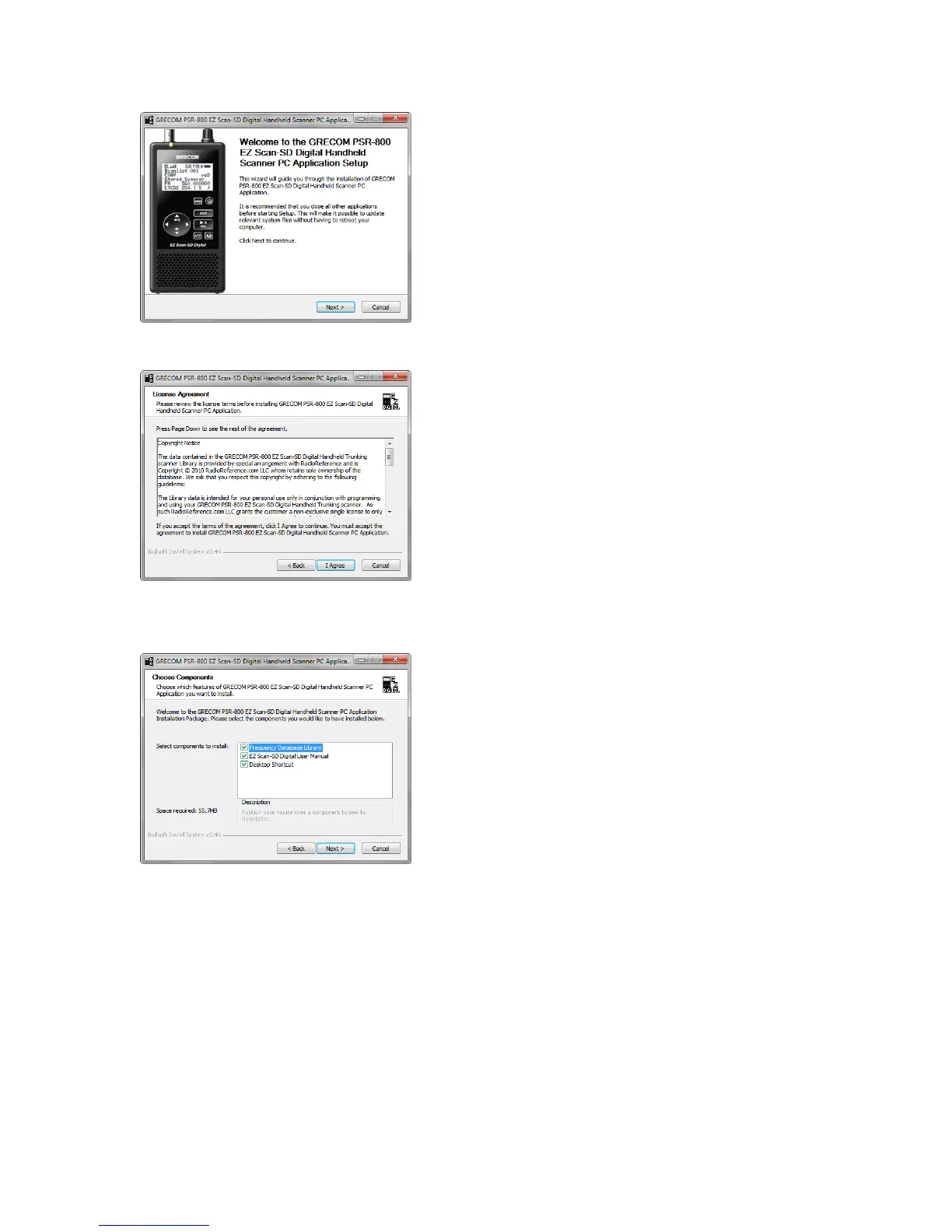
Welcome Screen:
Click “Next” to begin the installation process
for the GRECOM PSR-800 EZ Scan-SD
Digital Handheld Scanner PC Application.
Click “Cancel” to abort the install.
License Agreement:
The GRECOM PSR-800 EZ Scan-SD Digital
Handheld Trunking scanner uses library
database information licensed from
RadioReference.com LLC. You must accept
the license agreement before you can install
the software. To accept the license
agreement, click on the I Agree button.
Click “Cancel” to abort the install.
Select Components:
This screen allows you to select the extra
components that should be installed along
with the PC Application. Options include a
Desktop Shortcut, the user manual and the
frequency library database.
Once the components have been selected,
click “Next” to continue.
PSR-800 User Manual! Page 13



 To Next Page