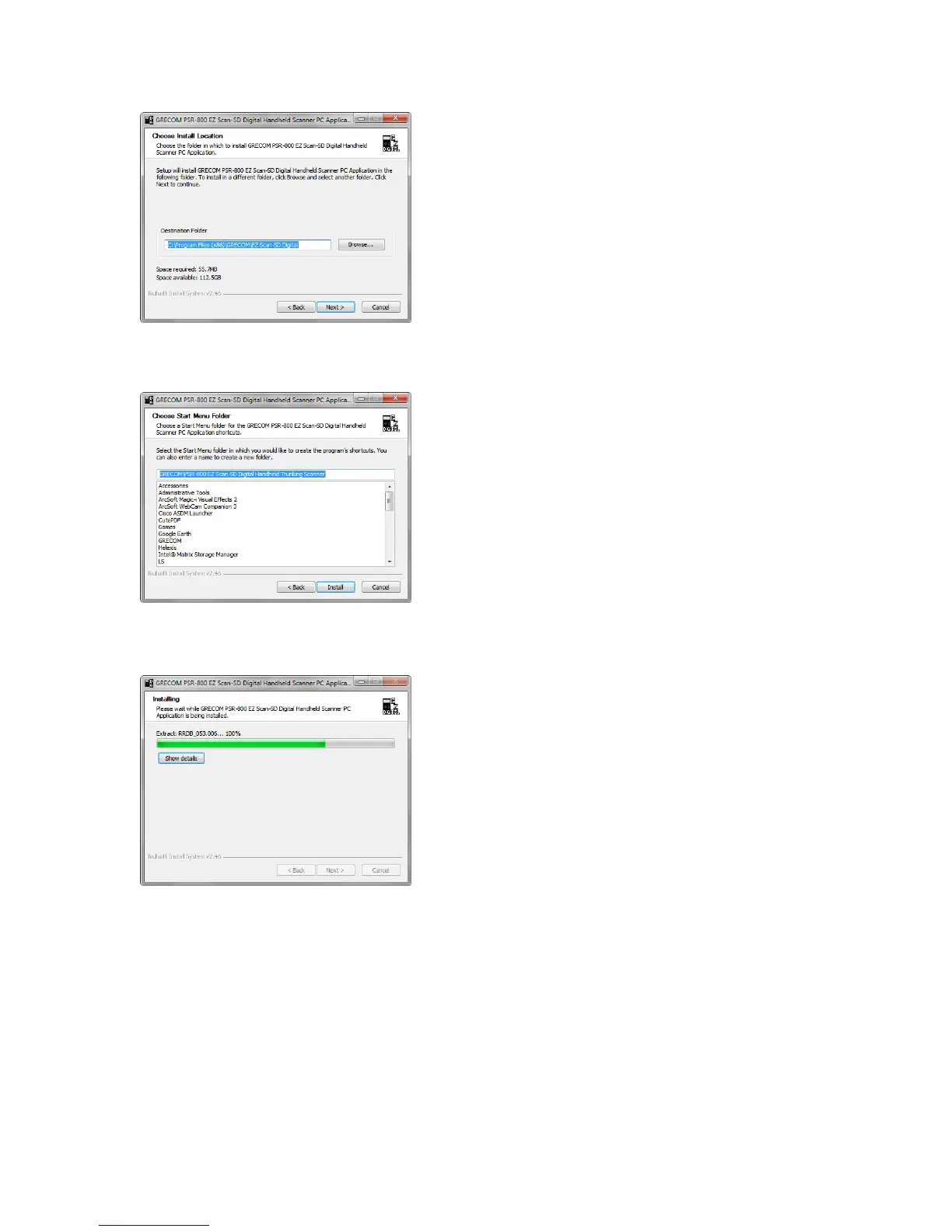
Choose Install Location:
This screen allows the user to select the
destination folder for the application and the
USB Cable install. The database library files
will be installed in the EZScan\DB folder
located in the user’s My Documents folder
regardless of this setting.
Click “Next” to continue.
Choose Start Menu Folder:
Select the name of the folder used to store
shortcuts in the Start menu.
Click “Next” to continue.
Installing:
This screen is shown while the selected files
are being copied to your computer.
Click “Next” to continue.
PSR-800 User Manual! Page 14



 To Next Page