EasyManua.ls Logo

Grecom PSR-800 - User Manual

Grecom PSR-800
90 pages
Print Icon
To Next Page IconTo Next Page
Loading...
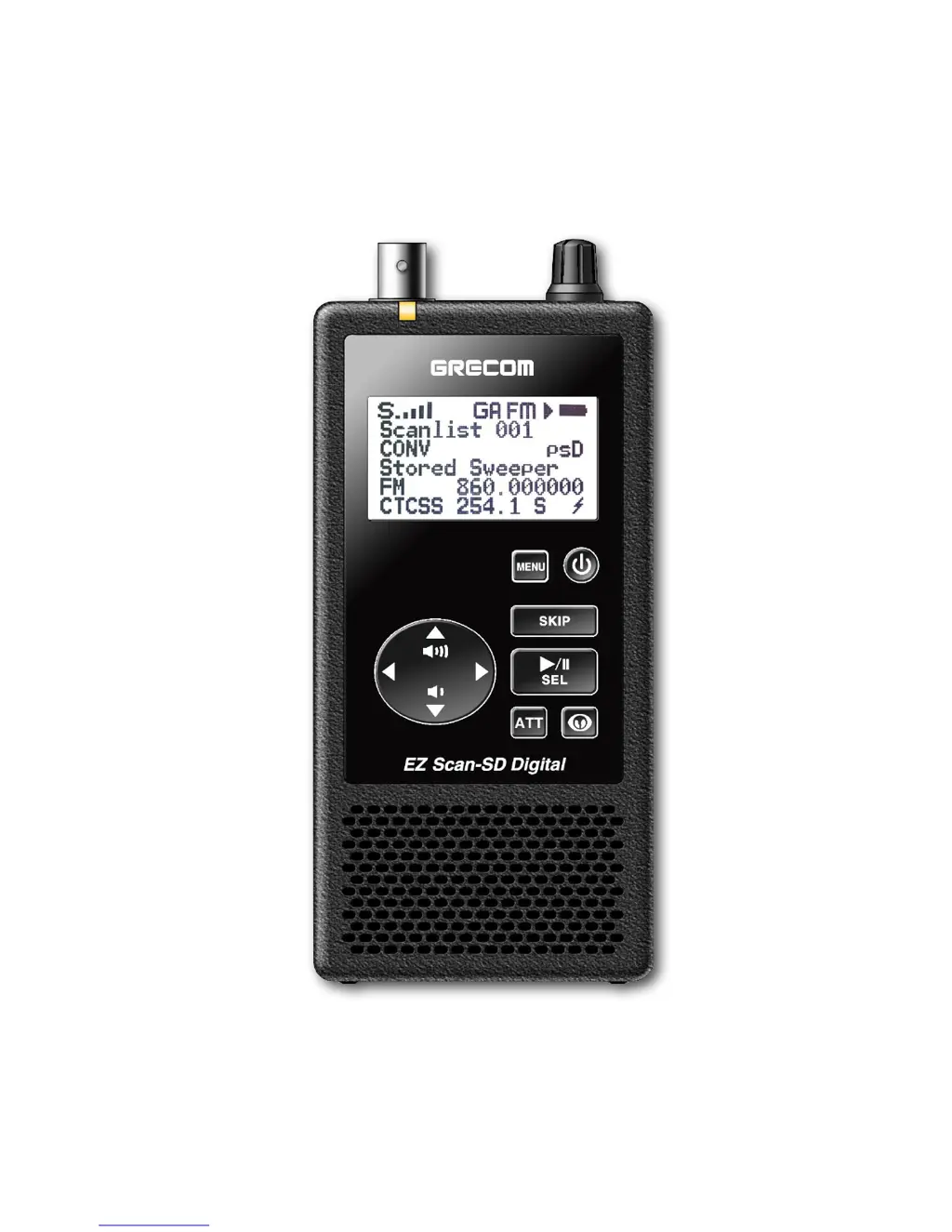
GRECOM PSR-800
EZ Scan-SD Digital
Owner’s Manual

Table of Contents

Questions and Answers

  • B
    Brandy Kennedy MDSep 12, 2025
    How to fix CONFIG__.BIN file error on Grecom PSR-800 Receiver?
    • J
      Justin GarciaSep 12, 2025
      To fix a CONFIG__.BIN file error on your Grecom Receiver, reformat the MicroSD card using the PC Application 'Prepare SD Card for use' option. Replace the MicroSD card if the problem persists.
  • B
    Brenda ReedSep 14, 2025
    How to exit mass storage mode on Grecom Receiver?
    • B
      Brian ValdezSep 14, 2025
      To exit mass storage mode on your Grecom Receiver, disconnect the radio from the computer, wait a few seconds, then reconnect.

Summary

Getting Started with the PSR-800

Programming and Scanning Basics

Core process for loading data, understanding frequencies, setting up scanlists, and basic scanning operations.

Advanced PSR-800 Features

MicroSD Card Operations

Procedures for inserting, removing, formatting, and managing the scanner's MicroSD card.

Troubleshooting Common Issues

Scanner Functionality and Reception Problems

Solutions for issues such as the scanner not working, poor signal reception, or scanning failures.

MicroSD Card Error Resolution

Explains various error codes related to the MicroSD card and provides corrective actions.

Birdie Frequencies and Scanner Care

Scanner Maintenance and Repair

Recommendations for proper care and procedures for obtaining service or repair for the scanner.

PSR-800 Technical Specifications

Grecom PSR-800 Specifications

General IconGeneral
TypeDigital Trunking Scanner
PC ProgrammableYes
Modulation TypesFM, AM, P25
DisplayBacklit LCD
GPSYes
Audio OutputBuilt-in speaker, headphone jack

Related product manuals