
 Need help?
Do you have a question about the Green Point and is the answer not in the manual?
Caution advised for controlling appliances remotely or automatically to prevent hazard conditions.
Install according to local codes. Designed for domestic environments without need for water ingress protection.
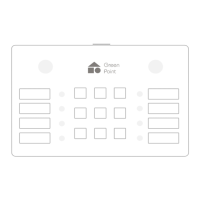
Guide to operating the keypad: turn ON, select devices, and activate commands.
The primary button used to turn the Keypad On or Off.
Displays Low Battery, Charging, and Full Battery icons to indicate power status.
Advice on choosing a mounting location considering RF range and environmental factors.
Steps for mounting the keypad bracket, including using a mold and securing the base.

 To Next Page
 General