Mounting
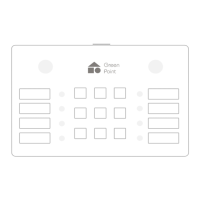
Select a location to install the igh Keypad.
When choosing an appropriate location, the
following should be considered:
• RF range.
• Avoid placing the igh Keypad close to
concrete walls or large metallic objects.
• Avoiding placing the igh Keypad near heat
or cold- producing devices.
Use the installing mold included to mount the
igh Keypad bracket. Select a location to install
the igh Keypad, and with the installing mold in
place, mark the drilling spots with a pencil. Drill
holes in the marked areas. Use a hammer to
tap the dowels into the holes. Place the base
over the dowels, insert the screws and tighten
them to build a base of the igh Keypad. The
Keypad is now ready to be attached to the
bracket.
Installing steps
1. Mount the igh Keypad and bracket to the
wall.
2. Follow the software installation wizard to
install and configure the Keypad.


 To Next Page