28
NOTE
The room override function requires a field-supplied
thermostat to be installed in the space and to be
wired between terminal 31 and 32 in the unit’s
control center. Reference the unit ladder diagram.
11. Edit the Setting
Use the Up or Down key to change the room override
setting. When the correct setting is displayed, press
the Enter key to save the setting and return to the
Setpoints Menu.
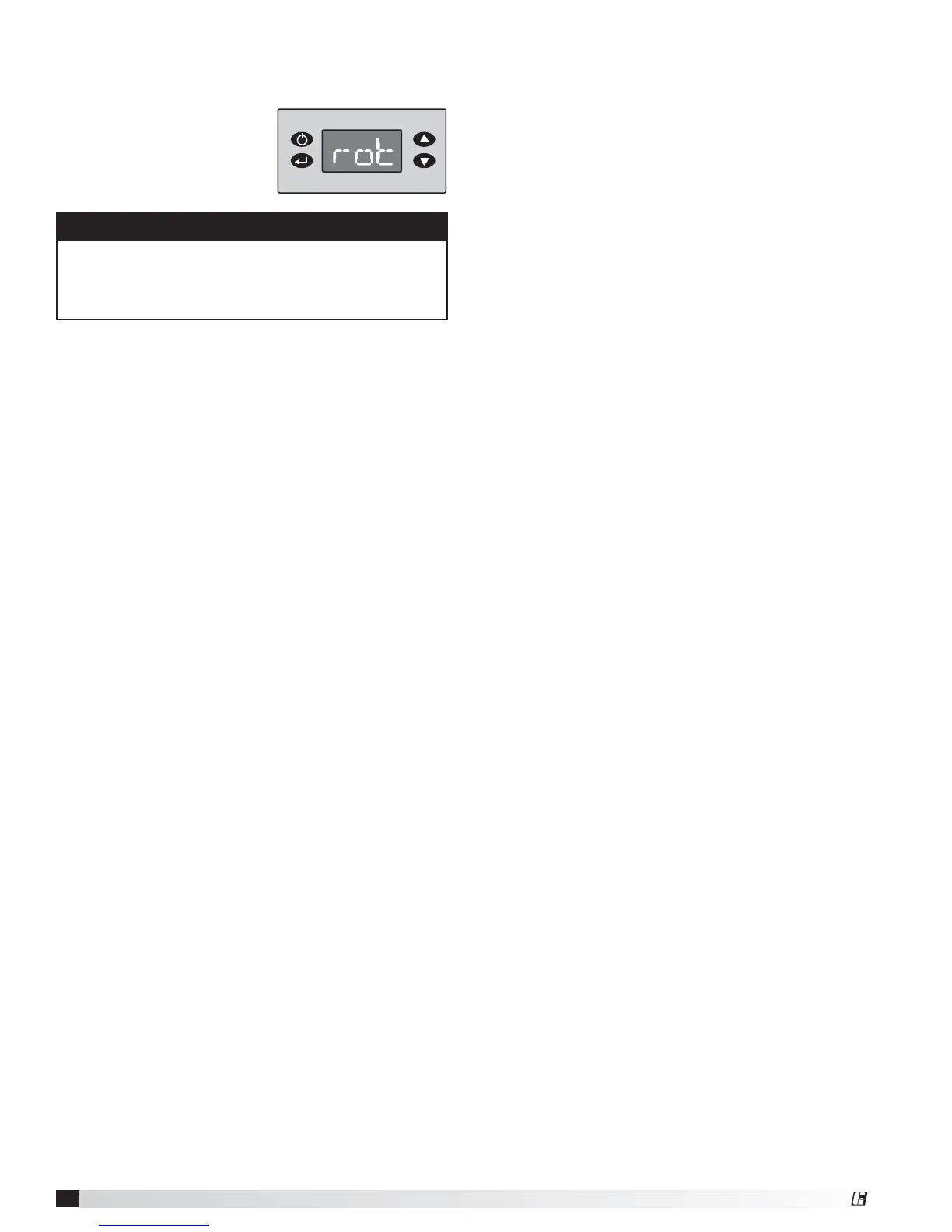
10. Access the Room Override Setting
From the Setpoints Menu, use the Up or Down key to
navigate through the menu
options until the display
reads “rot.” Once the display
reads “rot,” press the Enter
key. The display will change
to the room override setting.
®
Model IG / IGX Make-Up Air


 To Next Page